The .iml file is IntelliJ IDEA’s project configuration file, containing some configuration info about the current project. Sometimes after importing a project you’ll find that the .iml file isn’t generated automatically, causing the project structure to not display properly. In that case we need to generate the .iml file manually.
Generating the .iml File
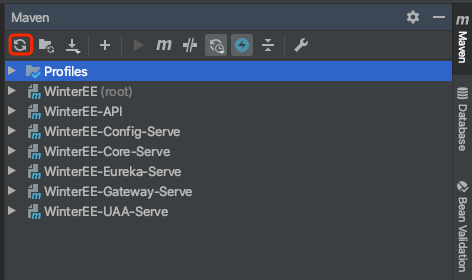
Method 1: Refresh the Maven Project and the .iml file will be generated automatically. Just click the button marked in the red box in the image below.
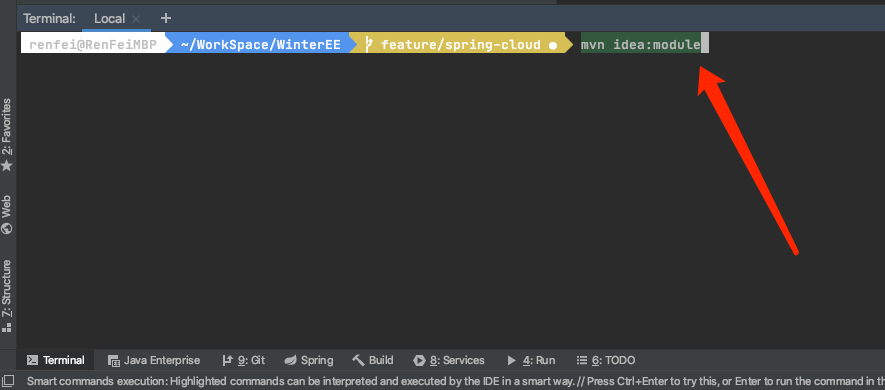
Method 2: Run the mvn idea:module command in the project that’s missing the .iml file; the .iml file will be generated automatically once done.