
This is a working-use post — simple explanations only, no deep dives.
Why write this series
In everyday development, as a tech manager I keep seeing developers who freeze up on conflicts or even lose code, commit histories flooded with Merge commits, careless and chaotic commit messages, and so on. So I want to write this series to help developers use Git quickly and gracefully.
What is a VCS
Source code is an extremely valuable asset and must be protected. Source code is a solution library where developers carefully collect and distill valuable knowledge and understanding of the problem domain. A version control system protects source code from disasters and accidental human error.
Version control software tracks every change to the source code. When something goes wrong, developers can trace the path the problem took, turn back time to earlier code to help fix the issue, and minimize the impact on everyone else.
Team collaboration
Developers keep adding and modifying source code. One person is building a new feature while another is fixing an unrelated bug in existing code; everyone is changing different parts of the project, and changes to one part may be incompatible with what another developer is doing at the same time.
Version control solves this: it tracks every individual change from every contributor and helps prevent conflicts from concurrent work. Also, any change can introduce new problems — until code passes testing, it can’t be trusted, so testing and development have to run in parallel, which means switching between minor versions. Version control handles that switching too.
Source code management: SCM
SCM stands for Software Configuration Management — controlling and tracking changes to software, with version control and baselines at its core.
We’ve sketched version control above. In a multi-person project, every developer has their own version, and when everyone uploads and shares their version through some protocol, conflicts can happen — later work may overwrite earlier changes. SCM prevents work loss from conflict overwrites.
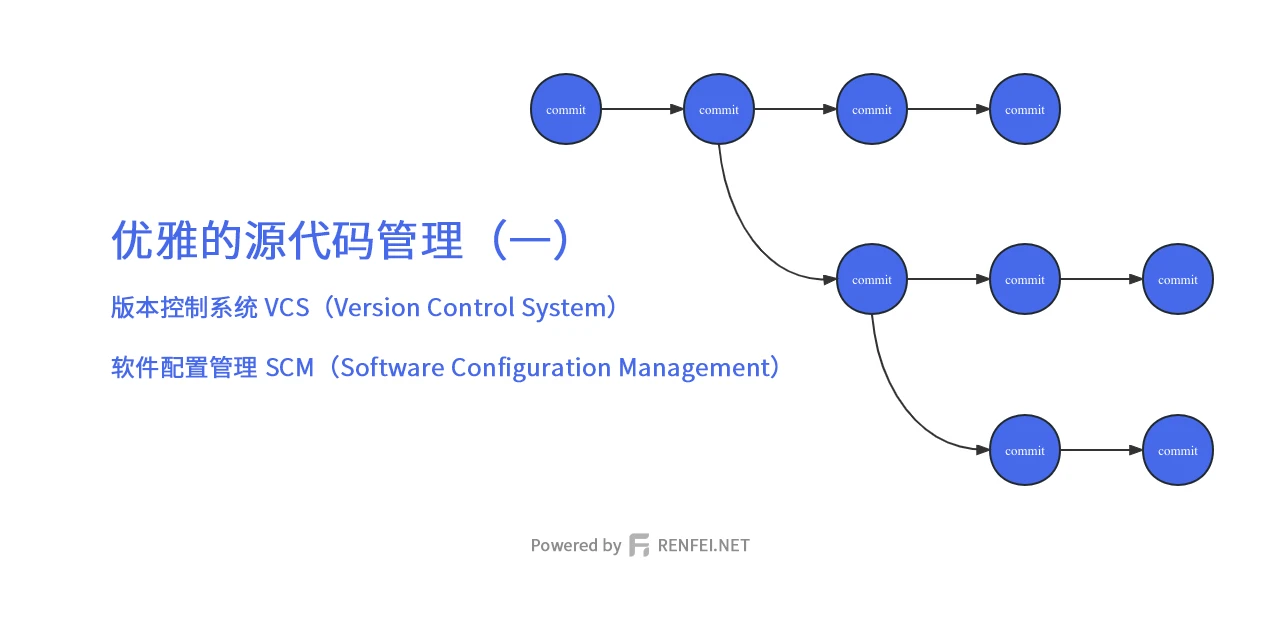
Once SCM tracks all of a project’s changes over time, it builds a detailed history of the project’s life. That history can then be used to “undo” changes to the codebase. With SCM, developers can work independently on different feature branches and eventually merge them together.
Hard to follow? Plain words: SCM is the manager’s role — coordinating everyone’s code in the middle, making sure the team’s code merges correctly.
SVN (SubVersion)
SVN is a very well-known centralized version control system. It used to be extremely popular for code management, but almost no one around me uses it anymore — everyone’s on Git — so I won’t detail SVN here.
Git
Git is by far the most widely used modern version control software in the world. Git is a tool of SCM — or rather, a concrete way of implementing SCM. It was originally developed in 2005 by Linus Torvalds, the famous creator of the Linux kernel.
Git is distributed: unlike SVN above, there’s no “central” repository — every developer holds a complete copy of the code repository.
Git is the de facto industry standard, so every software developer should know how to manage source code with Git!
In the next post I’ll detail Git usage; installation is left to you.
GitLab
GitLab is an open source system that builds all kinds of extensions on top of Git — issues, wikis, DevOps and many other advanced features on top of Git itself. Later posts will cover GitLab usage in detail.