Download sites were very popular several years ago, but because bandwidth and traffic were expensive, many download sites began hotlinking — visitors click download on someone else’s page but use my server’s traffic, causing huge bandwidth theft. So hotlink protection is a required course for download sites.
What Is Hotlinking
First, we need to know why hotlinking exists. Sharing software or files for download requires server bandwidth and traffic; often a single file is tens of megabytes or even gigabytes, so providing download service is costly. Some clever webmasters got clever: the page and site are their own, but the download link uses someone else’s link. That way visitors come to their page, but clicking download uses someone else’s link, so the huge download traffic cost is borne by someone else. This behavior is called hotlinking.
How to Prevent Hotlinking
The hotlink protection methods I know generally fall into three: checking the referrer, dynamic link download, and signature authentication.
Check the Referrer
This is the earliest and most common method. Checking the referrer means inspecting the Referer field of the HTTP header when the browser makes the request. The Referer field is added by the browser itself, telling the server which page the link was accessed from. If this value is not your own domain, the file is refused. But this approach is no longer enough — if a link is shared directly, say in a QQ group, it’s a direct access rather than through some page, so the Referer field is absent and your traffic still can’t be protected.
Dynamic Link Download
This approach changes a static file address into a dynamic request. Through programming, you pass a file ID, then the program judges via cookie, login state, permissions, and so on, and returns a binary stream to the browser to implement the file download. Although it can judge more than the previous method, it still can’t stop the behavior of sharing the download link directly.
Signature Authentication
This is the more commonly used recent approach. Before the user requests a file download, I use my own private key to sign an expiration time and generate a signature, then construct a new link using the link plus the signature — that is, generating a download link belonging to each person. This link can only be used within the validity period I specify; even if shared directly in a QQ group, because of the time check, it won’t cause large-scale traffic theft.
The Hotlink Protection I’m Using
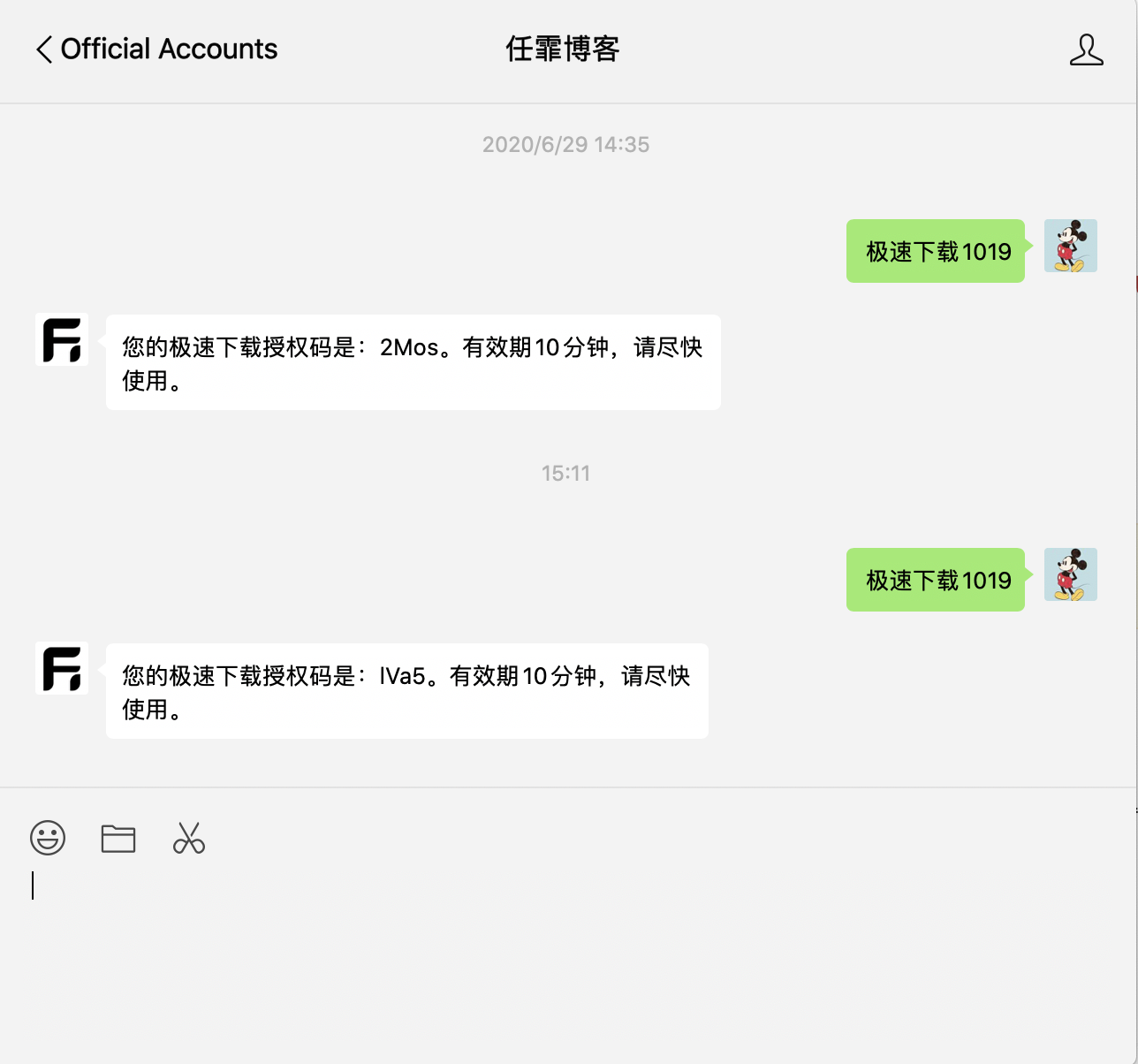
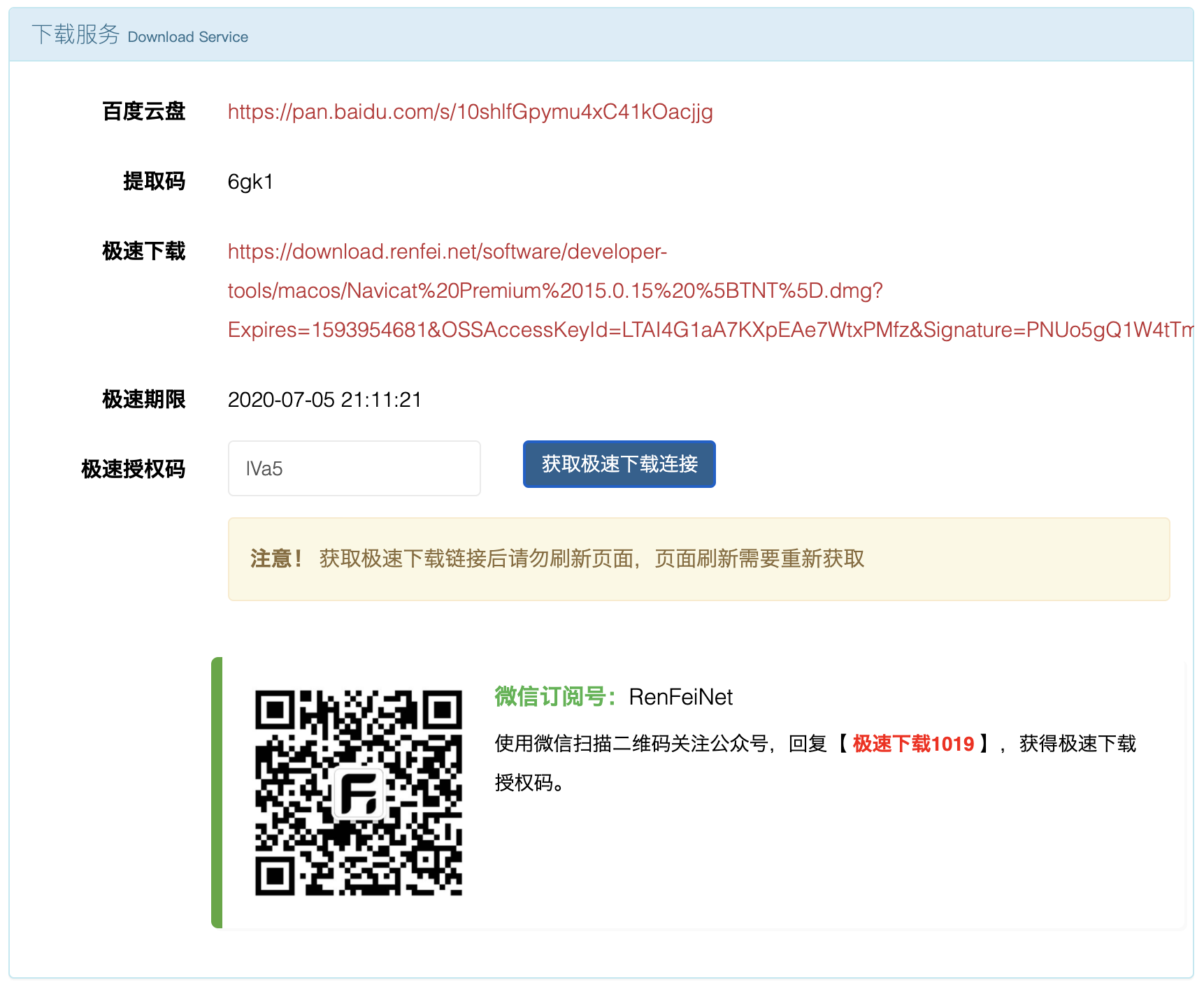
In the Software Sharing category I provide Mac software sharing downloads. To avoid hotlinking, I use signature authentication. First I require following the official WeChat account, then send a code; the account generates a verification code, which prevents bot crawlers from batch-applying for verification codes. Then you fill in the verification code to request a download link; I sign the validity period of the download link with my private key, so even if this link is shared, it can’t be used after the validity period and you must reapply.