
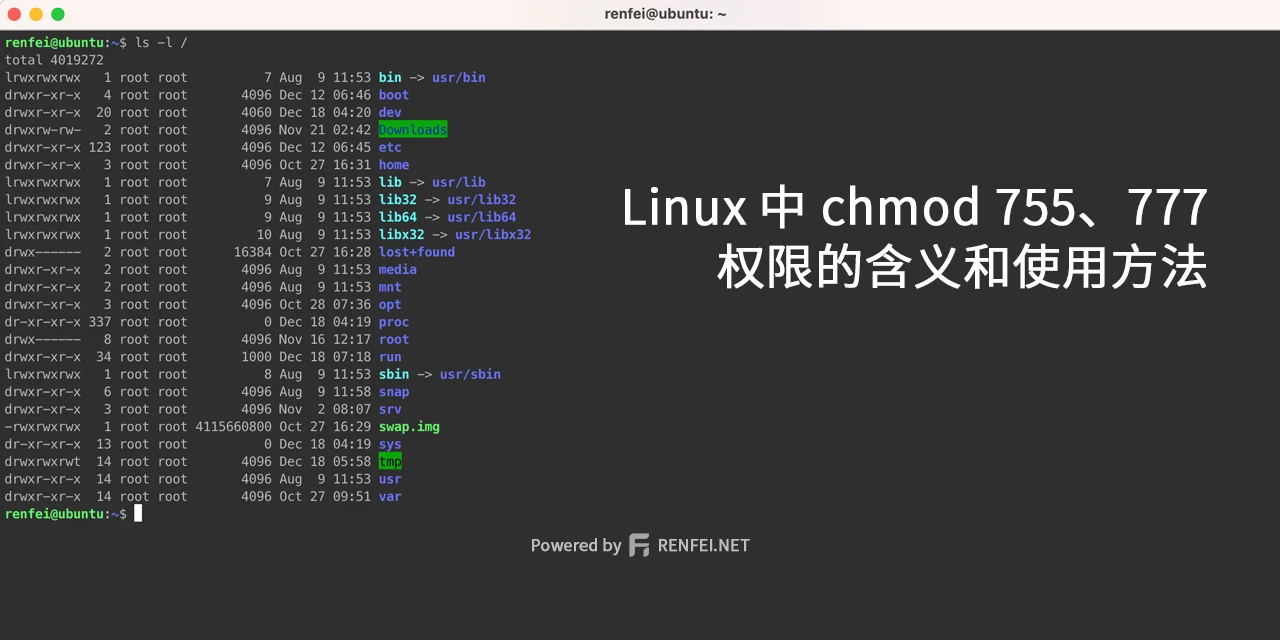
We’re always setting permissions on folders and files in Linux with chmod 777. Those 777 digits are the permissions — just three numbers expressing three kinds of permission for three kinds of role. Let’s break them down one by one.
Binary Bits
Those three digits need to be taken apart: each digit represents three permissions for one role. Take 7 as our example.
Linux is cleverly designed — it uses three binary bits to mark the three permissions. Here’s the binary view:
- 000: 0 in decimal — no permissions at all
- 001: 1 in decimal — executable
- 010: 2 in decimal — writable
- 100: 4 in decimal — readable
That gives us four basic permissions:
- 0: no permission
- 1: execute
- 2: write
- 4: read
Which then combine freely into these decimal numbers:
- 1+2=3: execute, write
- 1+4=5: execute, read
- 2+4=6: write, read
- 1+2+4=7: execute, write, read
As you can see, 7 covers read, write, and execute — the maximum permission value.
Permissions by Role
There are three digits when setting permissions. Take 750 as an example; left to right:
- 7: permissions for the file owner (User)
- 5: permissions for same-group users (Group)
- 0: permissions for other users (Other)
So 750 means: the owner has full permissions; group users have execute and read; everyone else has nothing.
Letter Notation
Sometimes you’ll see rwx instead of numbers. Same thing; here’s the mapping:
-= 0, no permissionx= 1, executew= 2, writer= 4, read
Combining per the above:
w-x= 3, execute and write-rx= 5, execute and readwr-= 6, write and readwrx= 7, execute, write, and read
From that we can write 750 in letters as wrx-rx----. Simple, right?
The chmod Command
Instead of chmod 771 we can also use letters. Following the logic above, 771 breaks down as: user read-write-execute, group read-write-execute, other execute. So you can use:
chmod ug=rwx,o=x fileu means user, g means group, and o means other.