
Distinguished Apple developers: does localization work frustrate you when domestic databases ship no macOS installer? This tutorial runs Kingbase V8 R3, a Chinese domestic database, in a Docker container on macOS. You can wrap other domestic databases the same way — I just haven’t needed one yet.
Prerequisites
First you need Docker on macOS. As a developer you’ve surely got it — installing Docker isn’t what this post is about, so I’ll assume it’s already there.
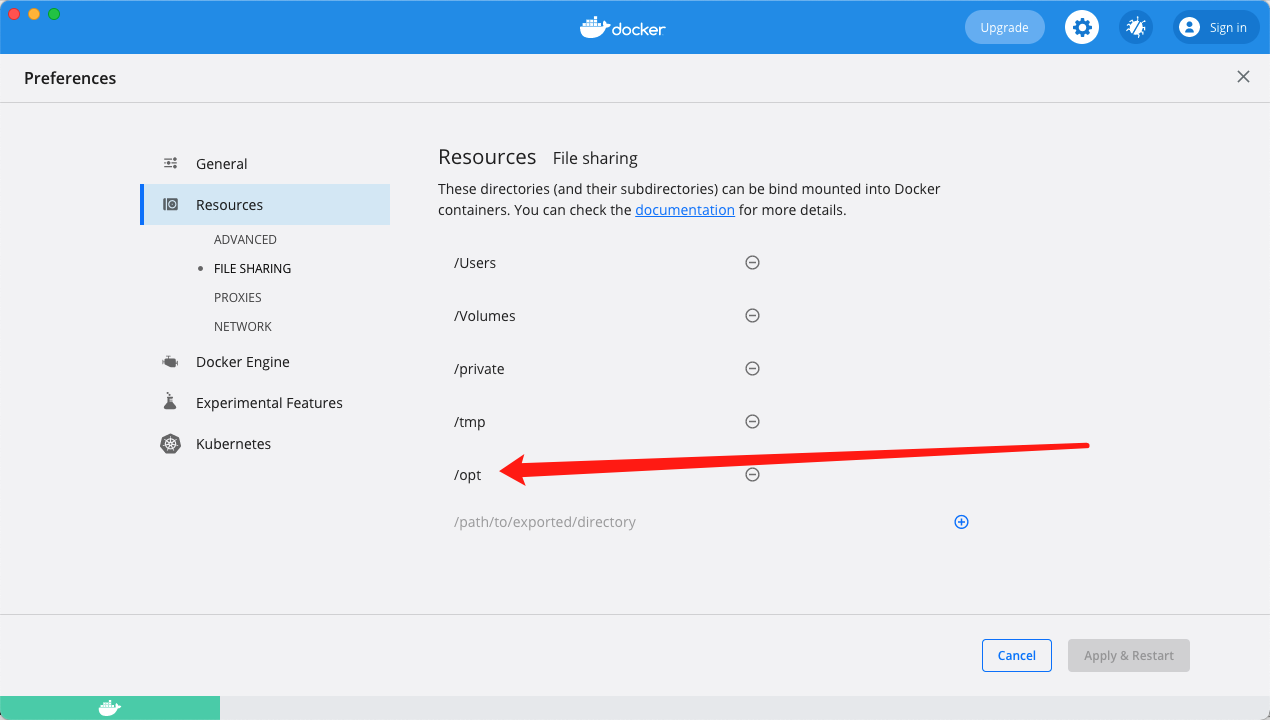
Next, create a folder to mount as the database data directory, otherwise your data won’t survive the container. I used /opt/kingbase/data, and you also need to grant Docker access to it. I gave Docker the whole /opt tree, configured under Preferences -> Resources -> File Sharing:
Then prepare a license.dat file. The development license is downloadable from the official site, and there’s one in my Git repo too. The dev license unlocks every feature but caps connections at 10 — fine for development, just mind your connection pool max size.
Repositories
GitHub: https://github.com/renfei/kingbase-es-v8-r3-docker.git
Gitee: https://gitee.com/rnf/kingbase-es-v8-r3-docker.git
GitLab: https://gitlab.com/renfei/kingbase-es-v8-r3-docker.git
Building the Docker Image
Open a terminal, cd to where you want the files, then clone, enter the directory, and build:
git clone https://github.com/renfei/kingbase-es-v8-r3-docker.git
cd kingbase-es-v8-r3-docker
docker build -t kingbase:v8r3 .
Users in China can use my Gitee mirror instead: https://gitee.com/rnf/kingbase-es-v8-r3-docker.git. Don’t miss the trailing dot in that final build command.
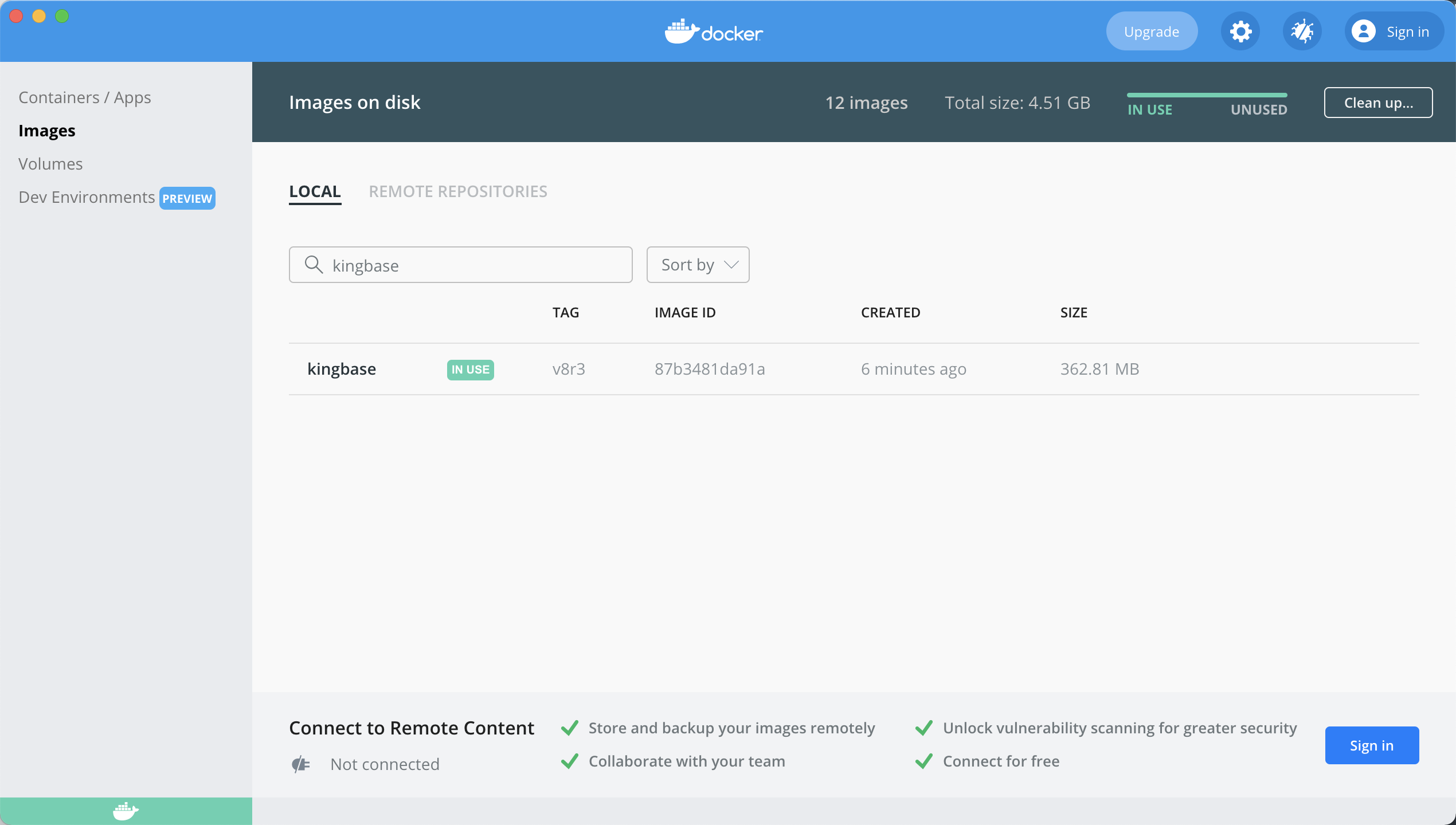
Starting the Container
Once the build finishes, run it:
docker run -d --name kingbase -p 54321:54321 -e SYSTEM_PWD=SYSTEM -v /opt/kingbase/data:/opt/kingbase/data -v /opt/kingbase/license.dat:/opt/kingbase/Server/bin/license.dat kingbase:v8r3What the flags mean:
--name: container name-p: port mapping-e: the default user is SYSTEM;SYSTEM_PWDsets that user’s password when the database is initialized-v: mounts a host directory — here both the data directory and the license file
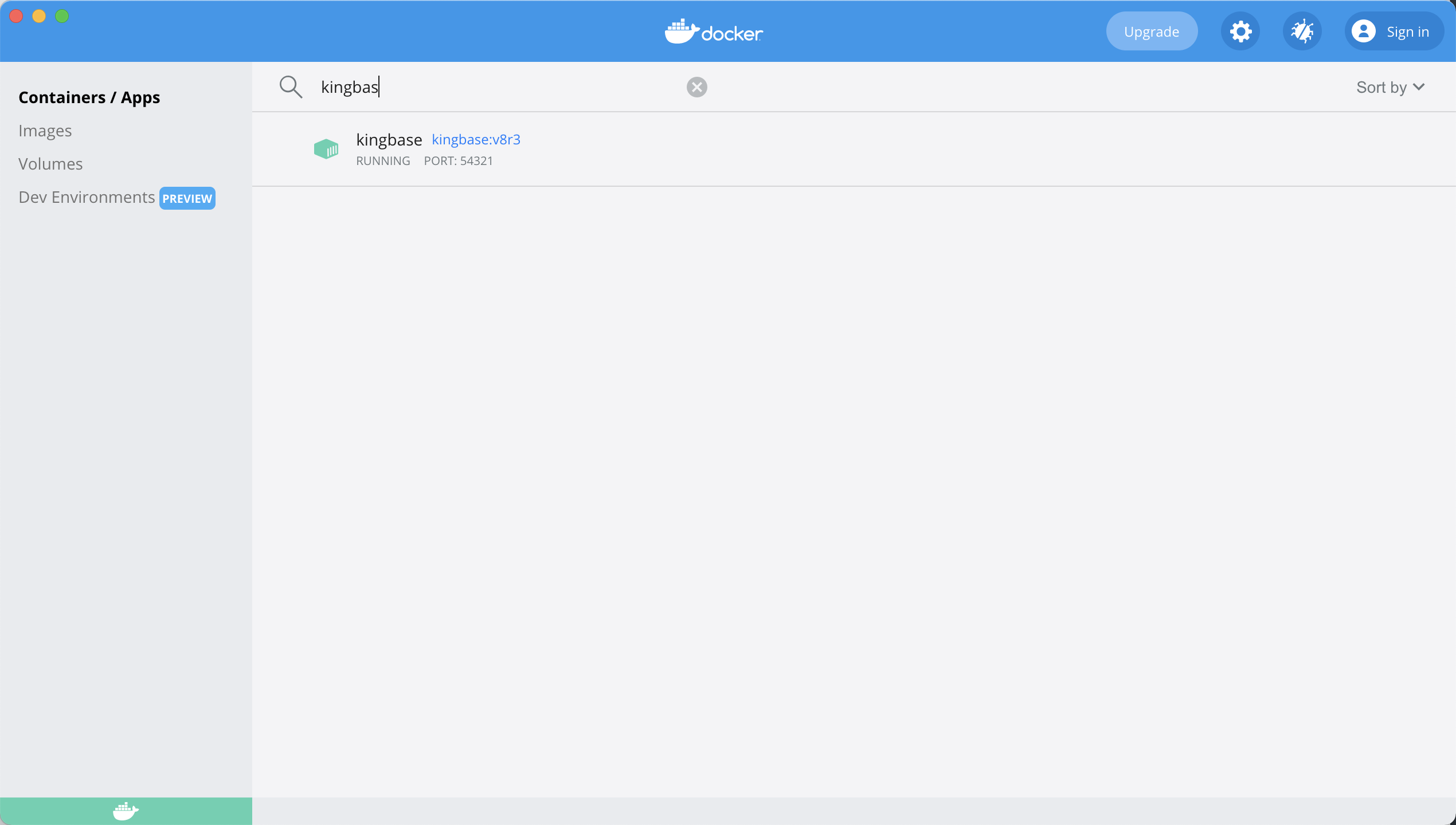
At this point Kingbase is running on macOS under Docker and you can connect with a client. The port is 54321.
FAQ
FATAL: lock file kingbase.pid already exists
You get FATAL: lock file kingbase.pid already exists because the container was killed before the database could shut down cleanly. Just delete kingbase.pid from the data directory — the host directory you mapped earlier, /opt/kingbase/data/ in my tutorial.
kingbase: superuser_reserved_connections must be less than max_connections
The log says kingbase: superuser_reserved_connections must be less than max_connections and you can’t connect. Open kingbase.conf in the data directory, where you’ll find these two lines:
#superuser_reserved_connections = 10 # (change requires restart)
#super_manager_reserved_connections = 5 # (change requires restart)
Remove the leading # from each and change both numbers to 1, then start again.