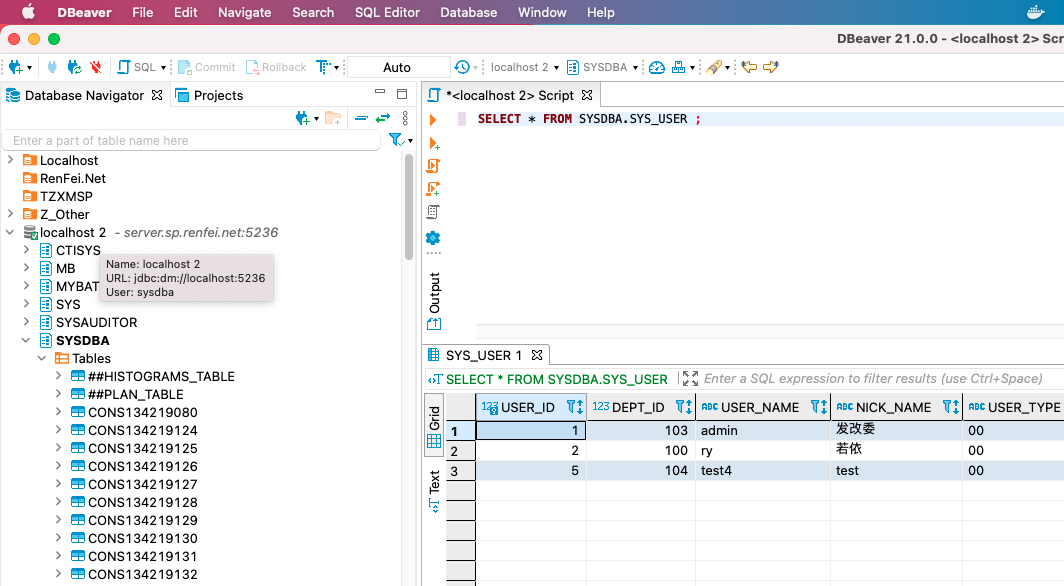
Newer DBeaver versions no longer support ODBC connections, probably because the JDBC-ODBC bridge was removed from Java 8. So the old tutorials telling you to use ODBC no longer work. Here’s the correct way to connect DBeaver to DaMeng.
Adding the Driver in DBeaver
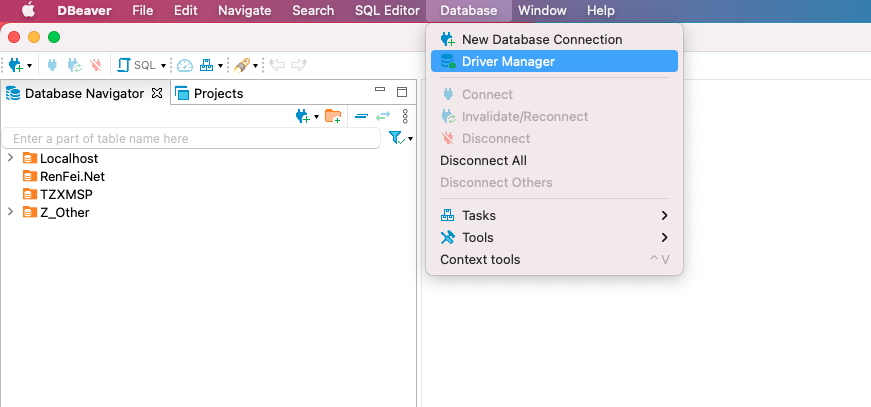
Open the Driver Manager dialog from the main menu:
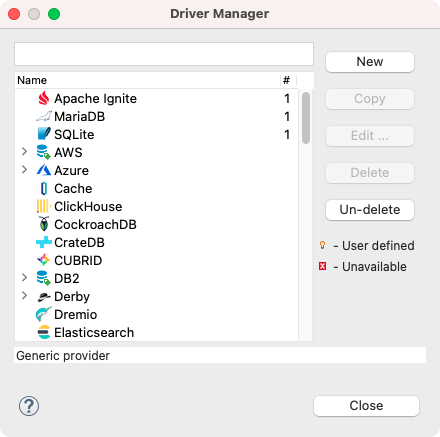
Adding a New Driver
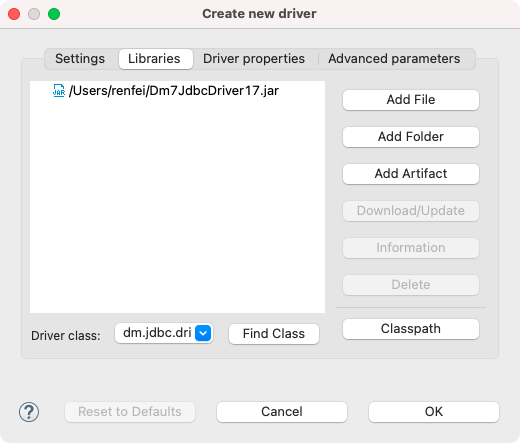
Just click New to create a driver. In the driver editor dialog you need to fill in all required information:
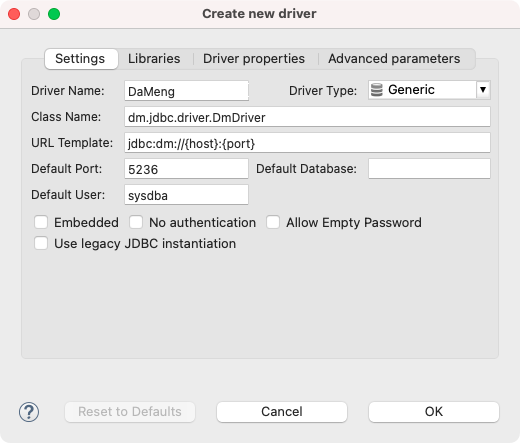
Enter the driver name, Class Name, URL Template, and Default Port, then switch to Libraries and add the DaMeng driver jar, which you can find in the DaMeng installer package you downloaded.
Creating a DaMeng Connection
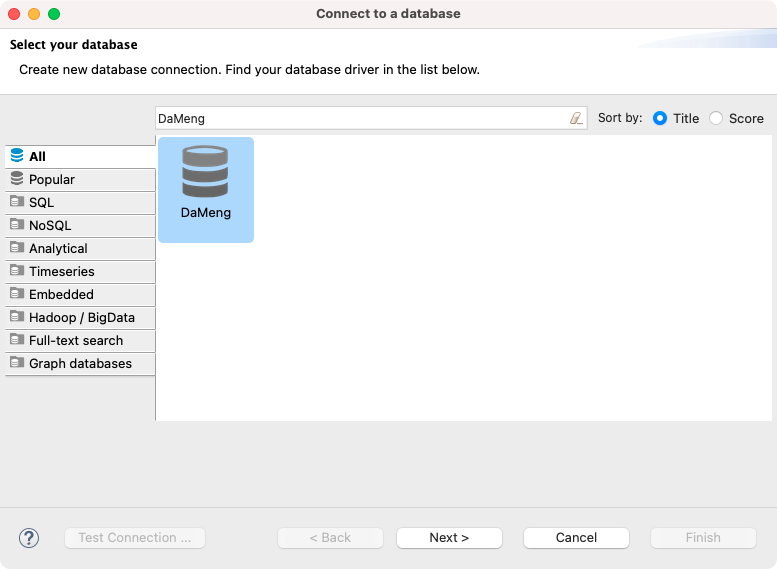
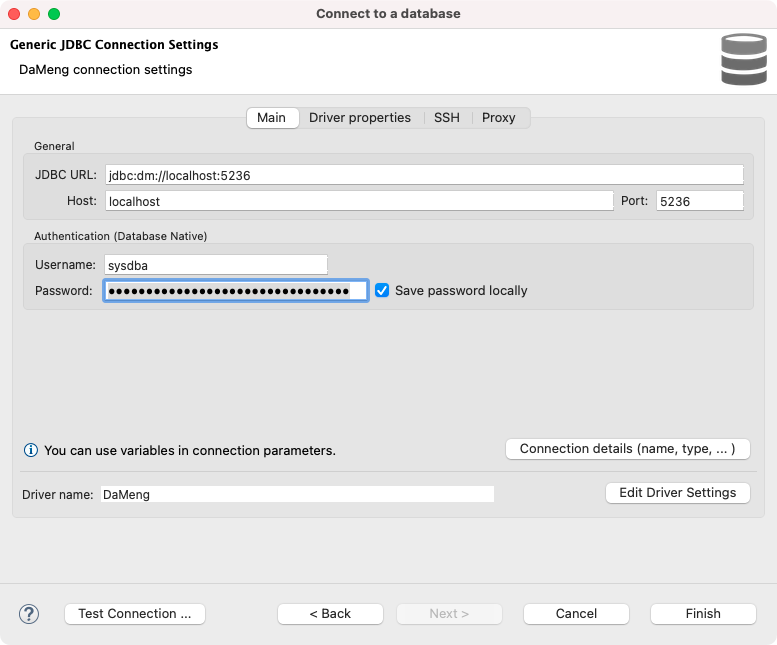
Search for the DaMeng connection we just added, fill in the address, port, username, and password, then click Finish:
At this point the DaMeng database connects and opens successfully: