
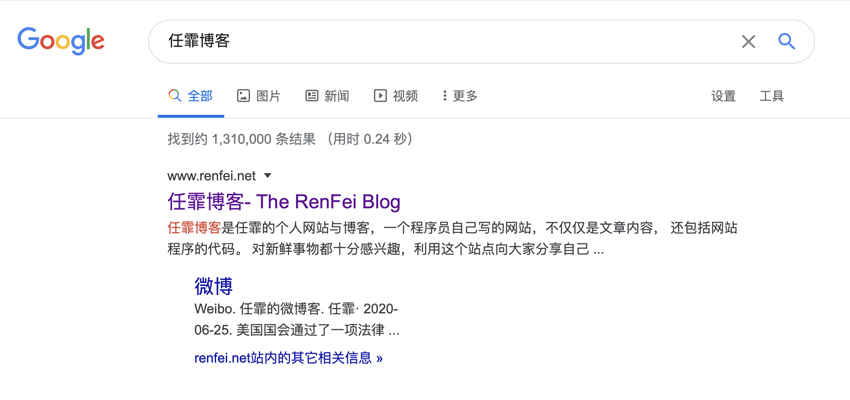
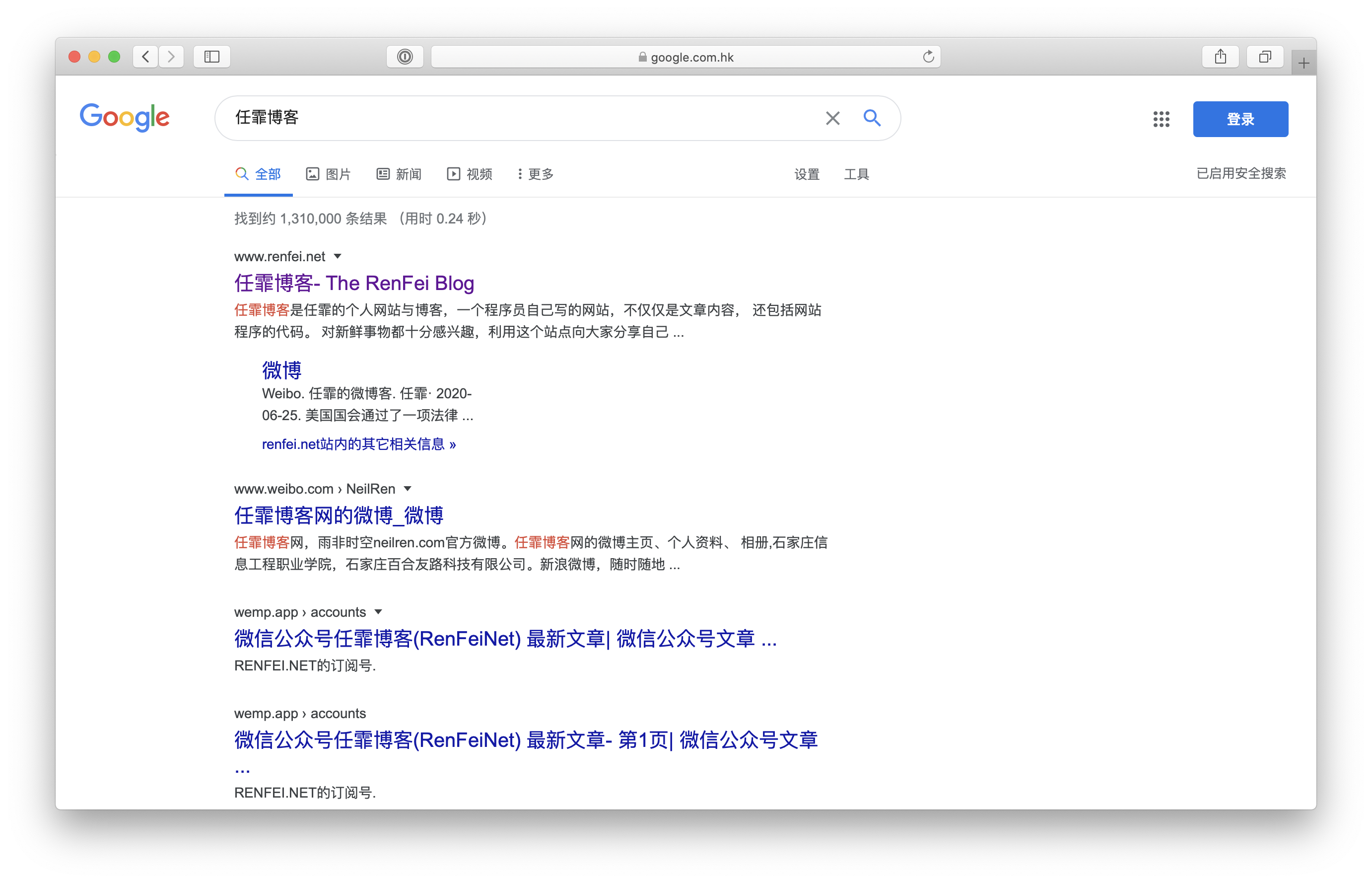
Yesterday I suddenly found that the keyword “Renfei’s Blog” triggered Google Sitelink. This is the second time I’ve triggered Google Sitelink — the first was in February 2014. Because I changed domains, the new domain triggered Google Sitelink again, so I’ll share my experience of triggering it twice.
What Is Google Sitelink
First, let’s understand what Google Sitelink is. For websites with relatively high weight, Google considers that site’s results the most authoritative source. Besides the normal listing, Google returns two extra rows of internal link structure, called sitelinks. Sitelinks are Google’s affirmation of a website, and the highest state of Google ranking. This gives your site several times more entry points, and visually it greatly boosts site traffic.
Google’s official introduction: https://support.google.com/webmasters/answer/47334. I’ll quote part of it:
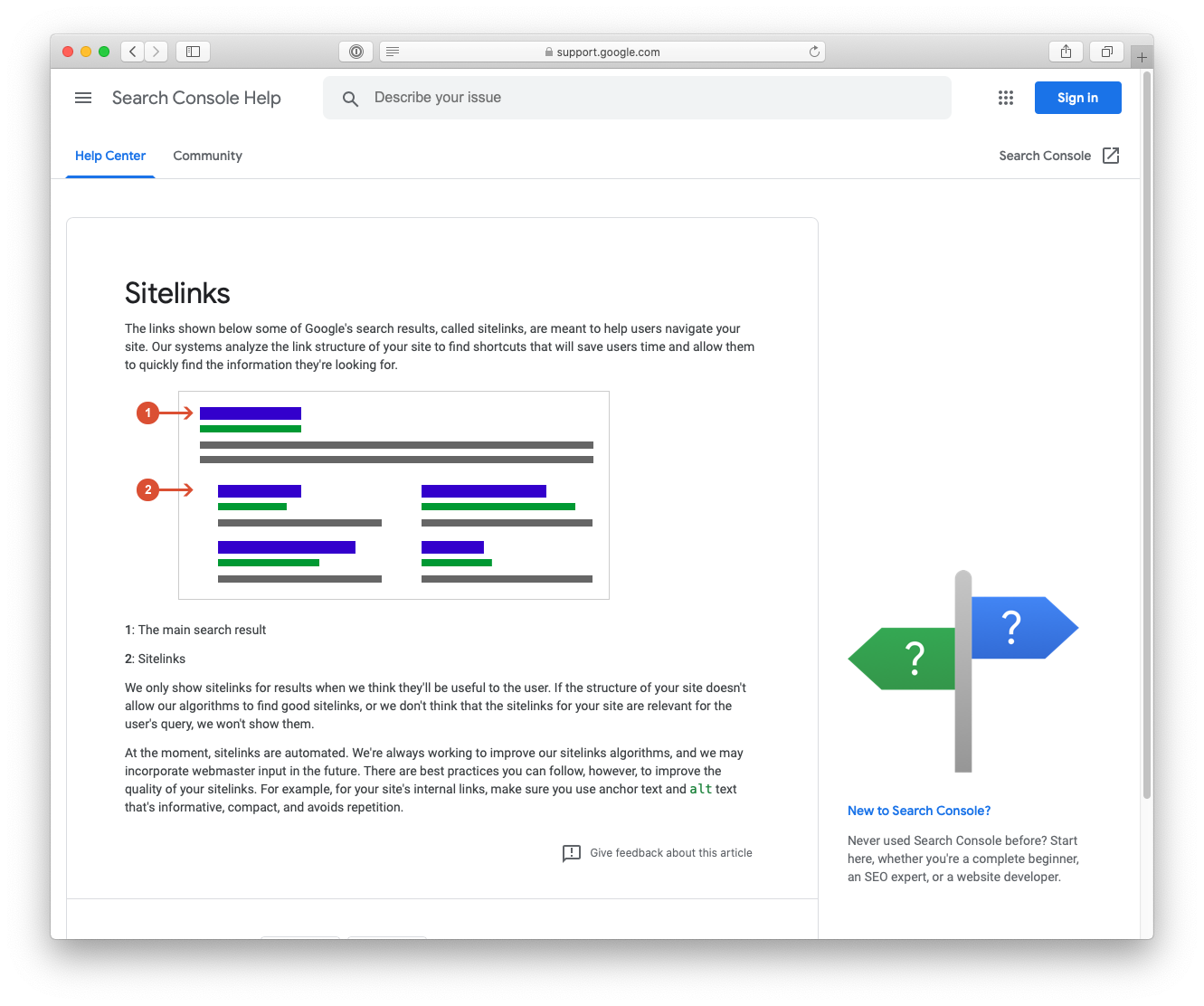
Some Google search results show links beneath them, called “Sitelinks,” to help users navigate your site. Our systems analyze the link structure of your site to find shortcuts that save users time and let them quickly find the information they need.
We show sitelinks in search results only when we think they’ll be useful to the user. If your site’s structure doesn’t let our algorithms find normal sitelinks, or when we think your site’s sitelinks aren’t relevant to the user’s query, we won’t show them.
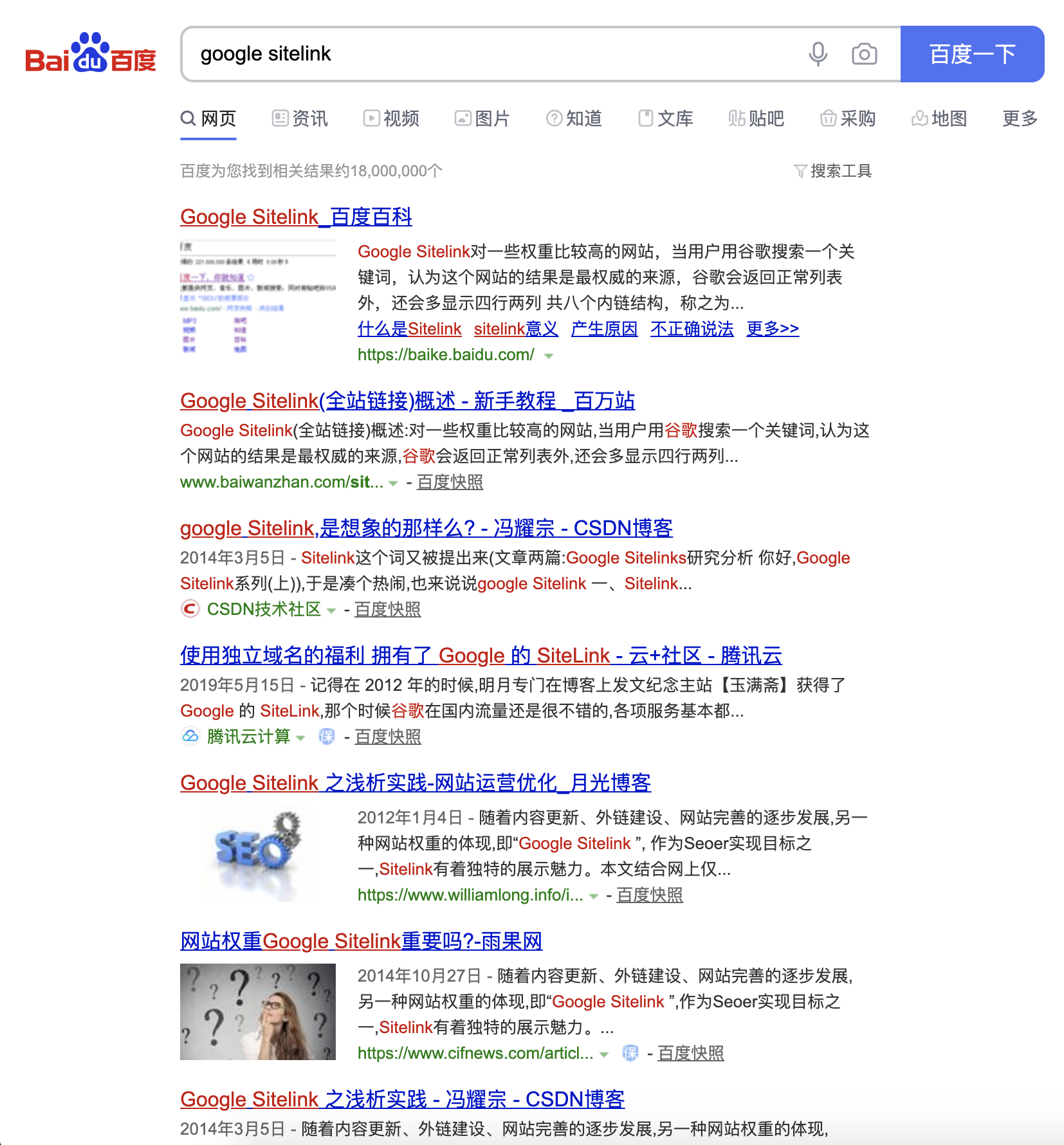
There are also many explanations on Baidu:
My Two Experiences Shared
I’m not a professional SEO person; I’m just sharing my experience of triggering it twice. After these two experiences, I’ll sum up:
- First, this keyword must be highly relevant to your site title, keywords, description, and page content, so Google sees you as the authoritative explanation of the term.
- Second, use this keyword in friend links pointing to your site.
- Last, keep updating continuously, stay current, lower the bounce rate, and raise content value.