
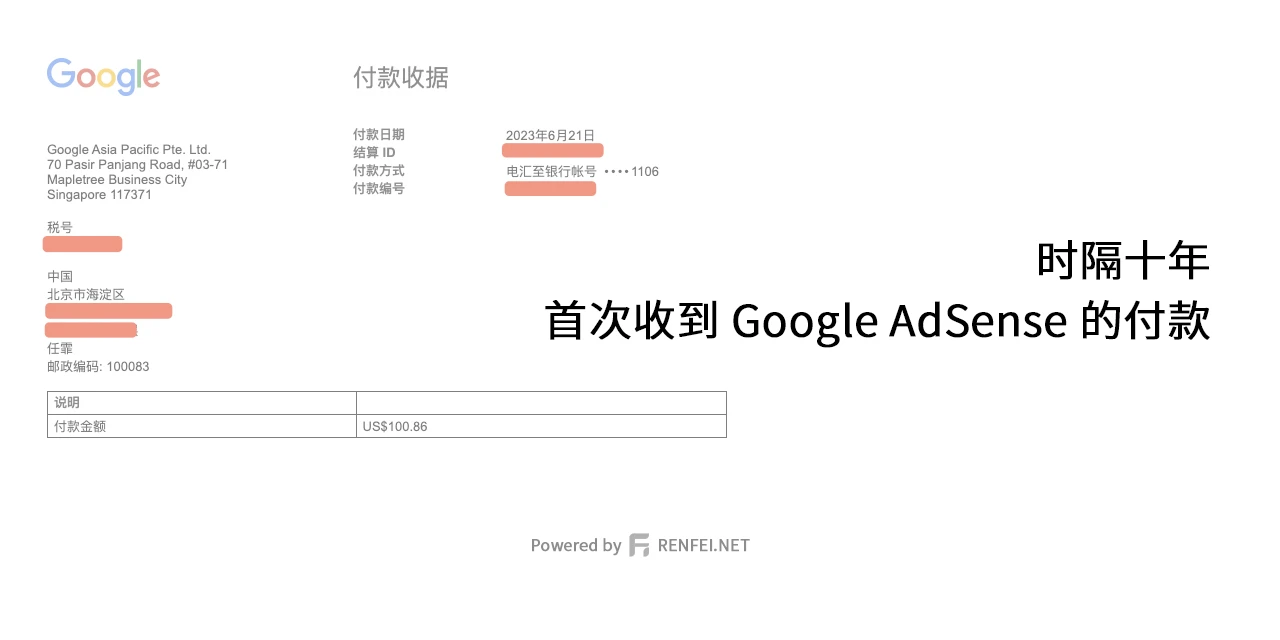
Today my Google AdSense payment arrived. I first applied for AdSense back in 2013, got approved in 2020, and today, in 2023, I received my first payout: $100.
The timeline
From applying and being rejected over and over, to approval, to all the verifications — the whole journey took 10 years. Here are the milestones:
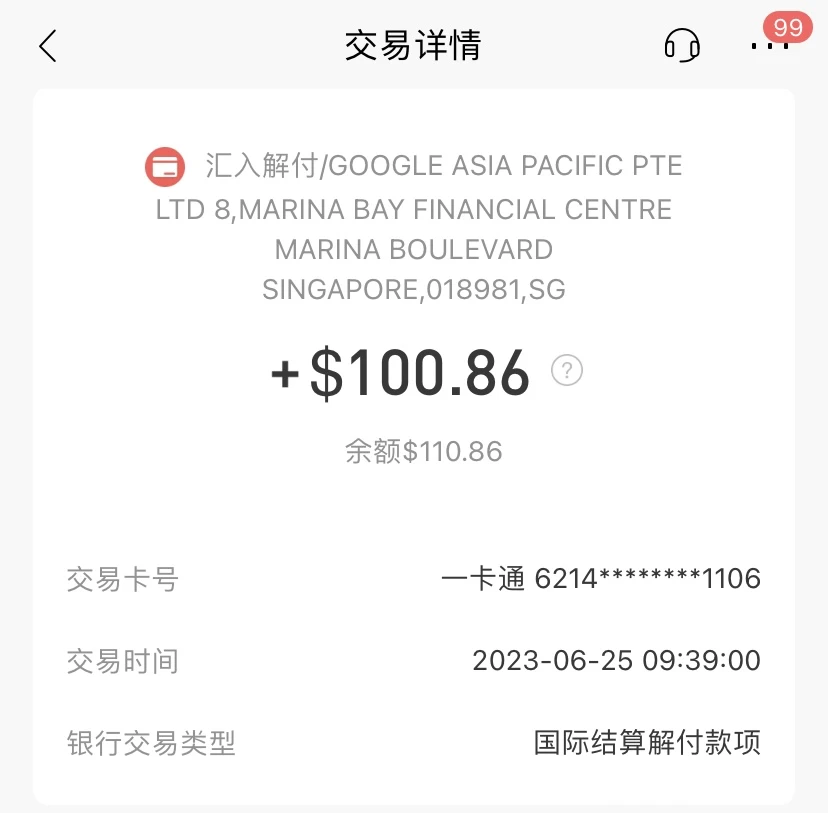
- 2023-06-25: AdSense payment received at China Merchants Bank
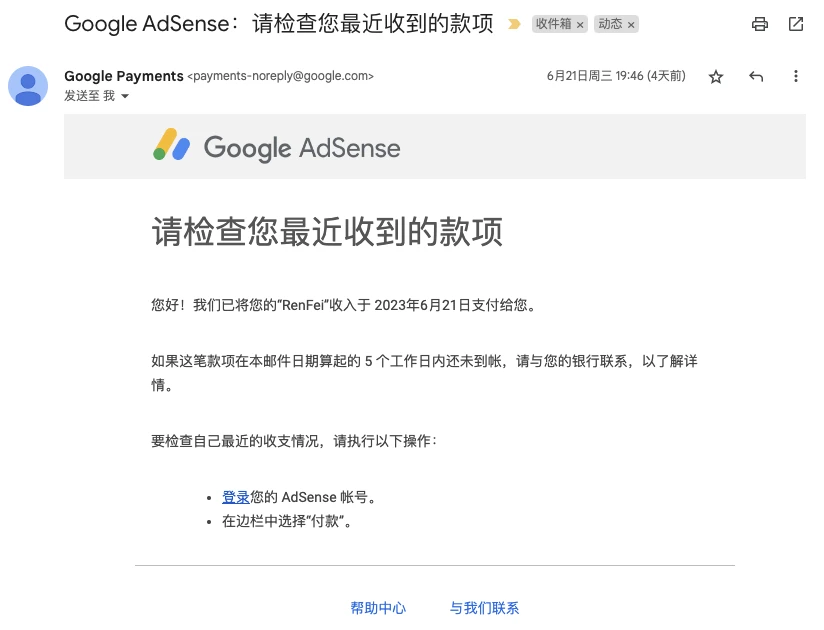
- 2023-06-21: Google AdSense issues payment
- 2023-06-17: Google Payments identity verification passed
- 2023-06-16: Google Payments requests ID upload
- 2023-06-01: $100 payment threshold met
- 2020-08-08: PIN verification passed
- 2020-07-01: Earnings hit $10, PIN mailed
- 2020-03-01: AdSense application approved
- 2019-08-05: AdSense application rejected
- 2017-06-24: AdSense application rejected
- 2015-12-19: AdSense application rejected
- 2014-08-01: AdSense application rejected
- 2014-02-23: AdSense application rejected
- 2014-01-09: AdSense application rejected
- 2013-11-18: AdSense application rejected
- 2013-07-01: AdSense application rejected
- 2013-06-19: AdSense application rejected
Google Payments verification
One thing worth mentioning: before paying, Google Payments emailed me saying “we were unable to verify some information in your Google account” and asked for a photo of my ID, warning that “if we can’t verify this information within 10 days, you won’t be able to transact through this account with certain products (like Play, Google Ads, AdSense, G Suite)”.
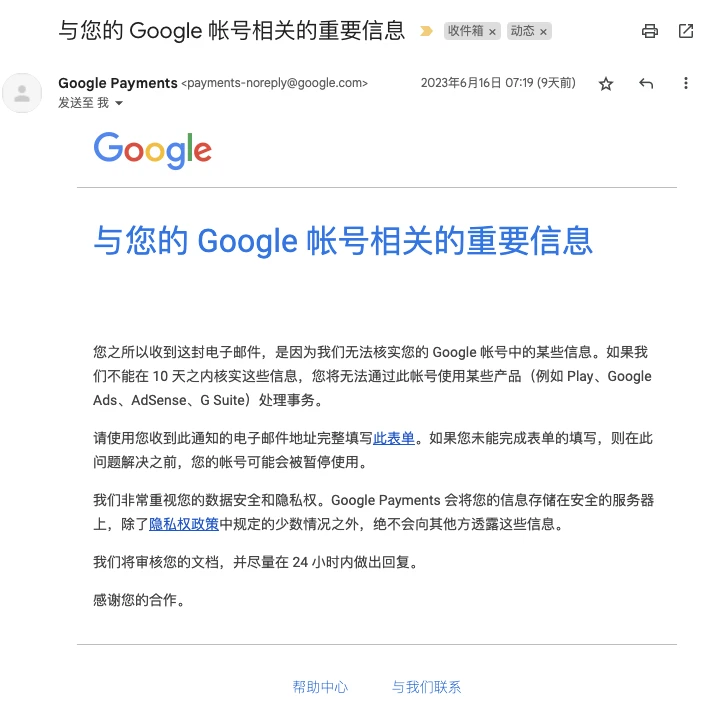
So you need to fill in a form to verify the AdSense payment profile in Google Payments — upload your ID or another document showing your name, matching the payment profile. Here’s the form, translated:
Verify your account
We were unable to verify some information in your Google account, so we’ve suspended it. Until we verify your account information and reactivate it, you may not be able to make purchases from Google or use certain Google products. To reactivate your account, please provide the following information and documents. The “Email address” field must contain the email address of the suspended account.
You need to provide:
- A government-issued ID
- A document showing your name and address, such as a bank statement or utility bill
Once we finish verifying your submitted documents, we’ll contact you by email. During verification you may be unable to make payments or purchases, and your Google services may be suspended.
Government-issued ID
Upload an image of a government-issued ID. You can photograph it with a phone camera or scan it; JPEG or PDF.
Acceptable ID forms:
- Driver’s license
- Passport info page
- Resident identity card
- Nationally issued identity card
- Permanent residence permit
- Other government-issued ID, except student IDs
To complete verification quickly, make sure:
- The image clearly shows all four corners of the document
- Your first and last name — it must match the name in your Google payments profile
- Your date of birth
- The document’s expiration date (it must be current and not expire within the next 30 days)
- The name of the issuing government agency
- Your signature
- We don’t accept documents obscured in any way, including blank areas caused by camera flash overexposure
- The ID is currently valid and won’t expire within 30 days
- The ID is not a school or university student card
When AdSense pays
AdSense pays on the 21st of each month, rolling over on holidays. I receive the wire transfer at China Merchants Bank — it arrived on the 25th, with the three-day Dragon Boat Festival in between. After payment you get emails from AdSense:
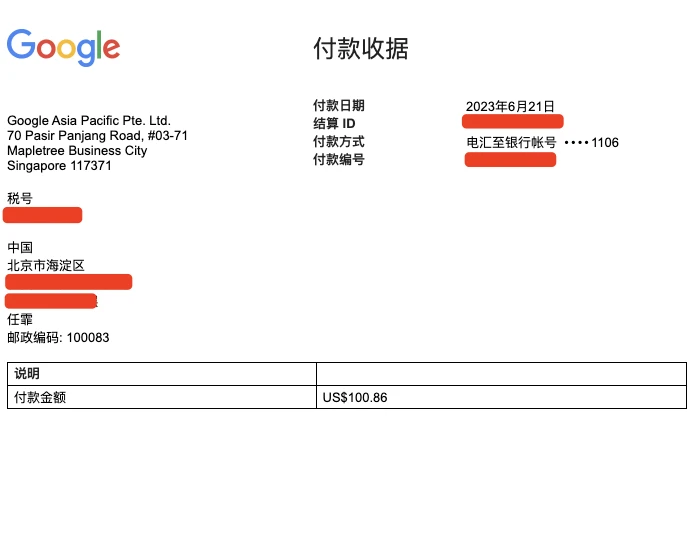
Then the payment arrives from Google Asia Pacific in Singapore. Payer: GOOGLE ASIA PACIFIC PTELTD, 8 MARINA BAY FINANCIAL CENTRE, MARINA BOULEVARD, SINGAPORE, 018981, SG
Overall experience
I used China Merchants Bank to receive the payment and the experience was great: automatic arrival, no manual steps, no proof required. Once the foreign currency lands, you just settle it to RMB in the app.
By the way: China caps individual foreign currency purchases at $50,000 per year, but receiving foreign currency and settling it has practically no limits — so you can receive payments worry-free without touching your purchase quota.