
This was written during the Cloudflare R2 Storage beta. Features may change over time, so treat it as reference only — R2 is still in its very early stages.
Not long ago I got accepted into the Cloudflare R2 Storage beta, so I can see it and use it now. Here’s my hands-on experience and my take on it.
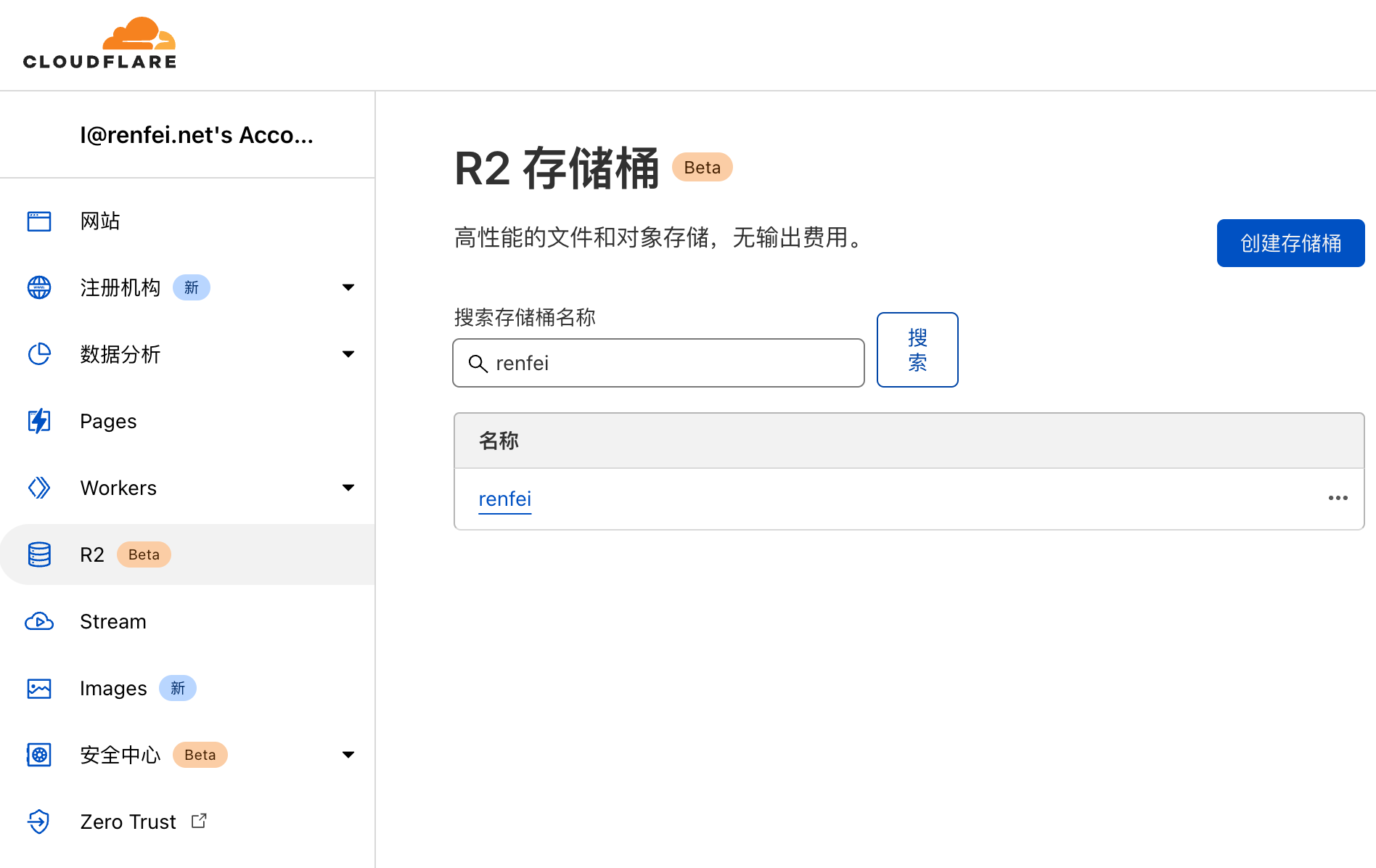
Object Storage
Object storage, sometimes called blob storage, stores arbitrarily large unstructured files. Familiar examples are AWS S3, Alibaba Cloud OSS, Tencent Cloud COS, and Huawei Cloud OBS — all object storage. They offer consistent latency, high durability, and unlimited capacity, sparing us the pain of sharing and backing up local filesystems.
The classic one is AWS S3 (Simple Storage Service). Revolutionary when it launched, but it brought a new pain point: upload and storage costs are fine, but downloading — retrieval — incurs traffic fees. Over time, as stored files pile up, that egress bill keeps climbing.
Cloudflare brings us R2 Storage, built on the Bandwidth Alliance to offer object storage at lower cost. Behind the scenes, R2 automatically and intelligently manages data tiering to improve performance under peak load and reduce cost for infrequently requested objects.
R2 Quotas During Beta
During the beta, R2 has these limits:
- 1,000 buckets per account
- Unlimited objects per bucket
- Maximum object size 5TB
- Maximum single upload 5GB, multipart upload supported
- 1,000 Class A operations per second
- 250 Class B operations per second
Class A operations include ListBuckets, PutBucket, ListObjects, PutObject, CopyObject, CompleteMultipartUpload, CreateMultipartUpload, UploadPart, UploadPartCopy.
Class B operations include HeadBucket, HeadObject, and GetObject.
Free operations include DeleteObject, DeleteBucket, DeleteMultipartUpload.
R2 Pricing
R2 storage is priced lower than current storage services, with a free tier: billing starts once you exceed it.
- Storage: 10GB free per month, then $0.015 per GB per month
- Class A operations: 1 million free per month, then $4.50 per million
- Class B operations: 10 million free per month, then $0.36 per million
As you can see, far cheaper than existing storage vendors. Is AWS S3 trembling?
The Experience
R2 is still in beta, and many operations have no UI — you need Wrangler, the Workers CLI. R2 has two APIs: one accessible only inside Workers (the In-Worker API), and another S3-compatible API that exposes your buckets via bucket.account.r2storage.com URLs. Before you can issue requests to R2, you need to authenticate — buckets are private by default.
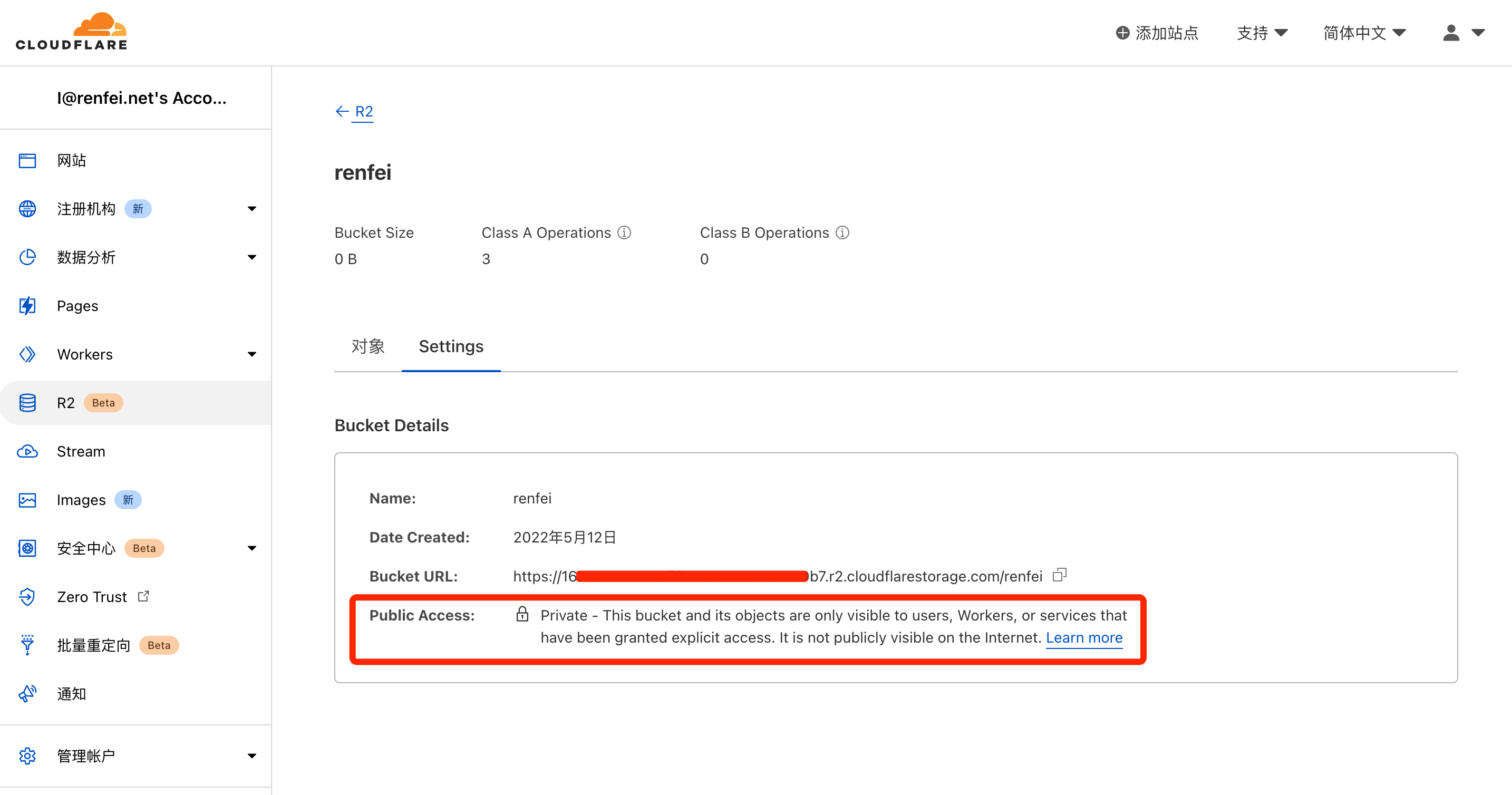
Probably because it’s beta, R2 doesn’t support direct internet access: requests must carry a token, and the official tutorial routes access through a Worker. That’s the biggest difference from S3 — you can’t hit R2 directly. For now you must operate through the SDK or reach it indirectly via a Worker. Workers give you 100,000 free requests per month, then you pay.
The lack of direct internet access is what annoys me. Going through a Worker means that once traffic picks up, I’m paying $5 a month for Workers. That said, if you’re already running Cloudflare Workers serverless, pairing it with R2 is like adding wings to a tiger.
What Makes R2 Revolutionary
Look back at R2’s pricing above. Notice anything? It charges for storage and operations only — no traffic fees! That’s right, none. That’s what’s revolutionary: riding the Bandwidth Alliance, R2 achieves zero egress fees. For large files that means a much longer cache lifetime and dramatically lower egress cost. Combine it with the Cache API and Workers for dynamic content caching and low-latency access worldwide.
My Take
Cloudflare R2 Storage will very likely hit AWS S3 hard. The lack of public internet access is unfriendly today, though they may allow it in the future, which would remove the Worker requirement.
Because the Bandwidth Alliance exists: if R2 doesn’t support direct internet access, we can just pick a storage service from another Bandwidth Alliance member, which also charges no traffic fees.