
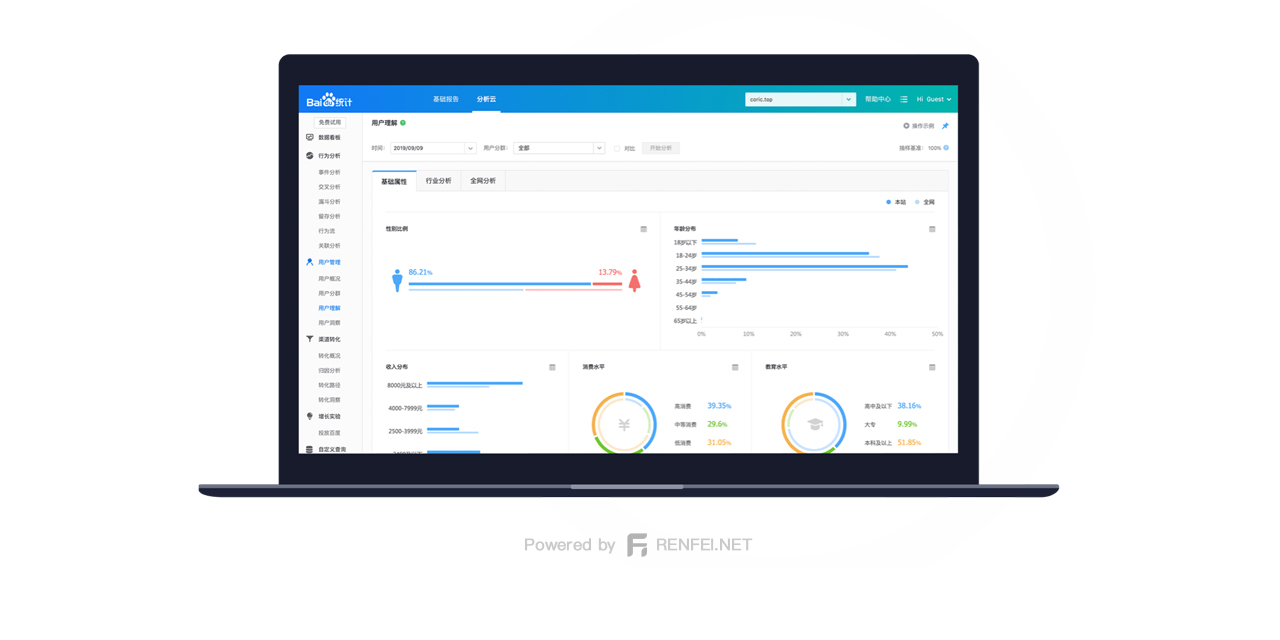
Recently the Baidu Analytics dashboard has been flooded with ads — traffic buying, invoice agents, SEO, cloud hosting and so on — badly interfering with normal statistics. Here’s how I fixed it, shared for other webmasters.
Symptoms
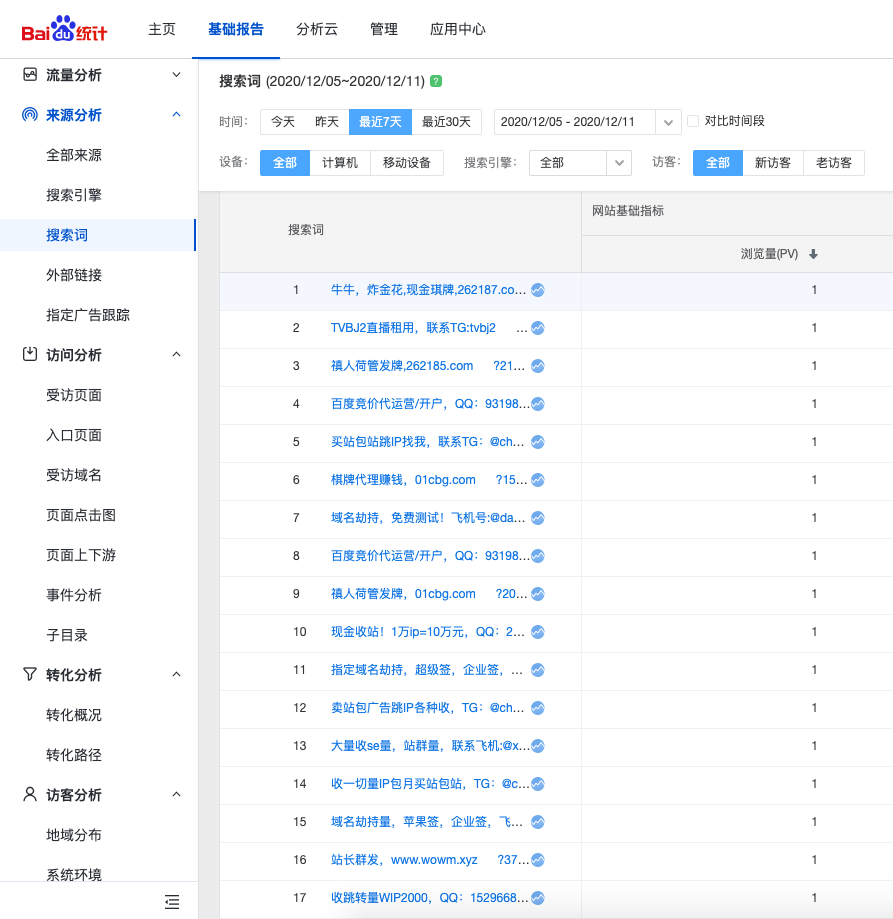
If your Baidu Analytics is being spammed, you’ll see all kinds of ads in the search terms and sources in your dashboard: traffic buying, invoice agents, SEO, cloud hosting and so on. In the screenshot below, a lot of real traffic has been pushed out of view. It also makes the numbers wrong — you might feel traffic has surged over the past few days when real traffic hasn’t grown at all.
How It Works
To pull the problem out by the roots you need to know the enemy. Once you understand what they’re doing, you can effectively put a stop to their bottom-feeding ad spam.
Here’s what they do: they write a crawler that fetches your pages and looks for hm.baidu.com/hm.js. If it finds it, you’re using Baidu Analytics. It then grabs the parameter that follows, which is your Baidu Analytics ID, and saves it to their database. With your ID in hand they move to the next step: a program that batch-submits data to the Baidu Analytics API. They never actually visit your site — they post data straight to Baidu’s endpoint. They contribute nothing to your traffic, and all you get is the ads.
Mine was getting hit badly enough that I couldn’t take it any more. It had to be dealt with.
The Fix
Now that we know how it works, let’s counter it move for move.
First, your old tracking ID has already been harvested and saved to their database, so give up on the old code. Delete it in Baidu Analytics, add the site again, and you’ll get a fresh tracking code.
Then, to keep their crawler from recognizing the Baidu Analytics code, transform the Baidu Analytics URL. My approach is to break the original URL into a string array of individual characters and reassemble it. Example:
The code Baidu gives you:
var _hmt = _hmt || [];
(function() {
  var hm = document.createElement("script");
  hm.src = "https://hm.baidu.com/hm.js?ee1f1987ccfc9bcd61a1d220f5ae41e1";
  var s = document.getElementsByTagName("script")[0];
  s.parentNode.insertBefore(hm, s);
})();
Break the Baidu Analytics fingerprint — the address — into an array and reassemble it:
var _hmt = _hmt || [];
(function() {
    var hm = document.createElement("script");
    var analytics_bd = 'ee1f1987ccfc9bcd61a1d220f5ae41e1';
    hm.src = ['ht', 't', 'ps', ':/', '/h', 'm', '.', 'ba', 'i', 'd', 'u.c', 'o', 'm/', 'h', 'm', '.j', 's?', analytics_bd].join('');
    var s = document.getElementsByTagName("script")[0];
    s.parentNode.insertBefore(hm, s);
}
)();
Only one line changes. Note that hm.src = "https://hm.baidu.com/hm.js?ee1f1987ccfc9bcd61a1d220f5ae41e1"; has been split into an array and reassembled. That way their crawler can’t tell you’re using Baidu Analytics.