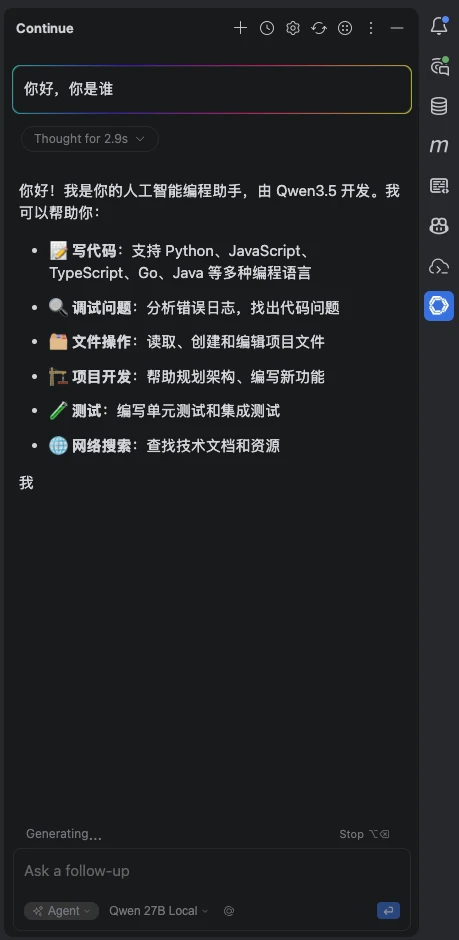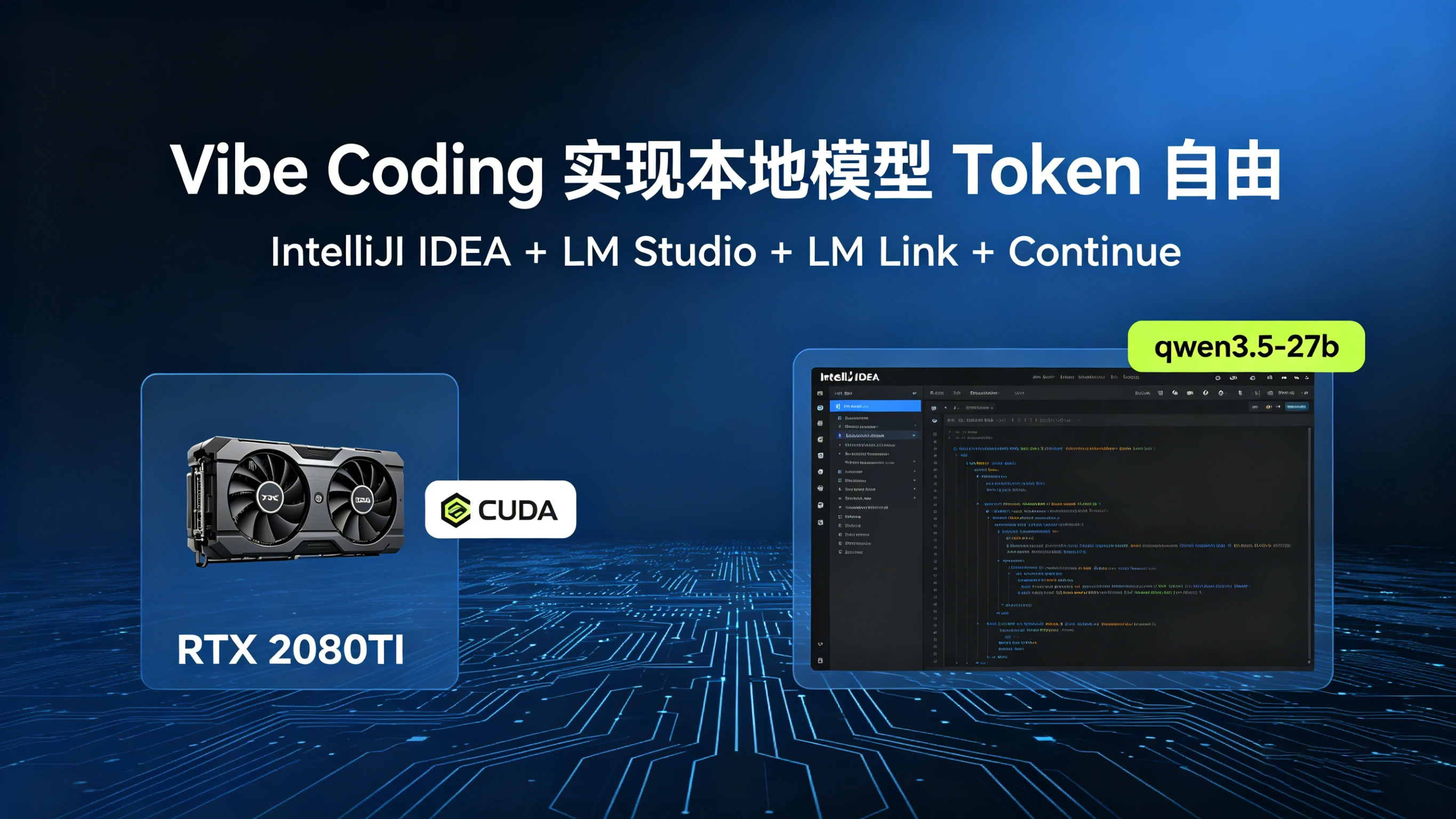
Running out of Codex quota? Not sure what to do while you wait for it to refill? I remembered I had an RTX 2080 Ti sitting around and thought: why not run a model locally for a while. So I got this pipeline working:
IntelliJ IDEA -> Continue -> LM Studio (macOS) -> LM Link -> LM Server (Linux) -> CUDA (RTX 2080 Ti)
Prepare the base environment
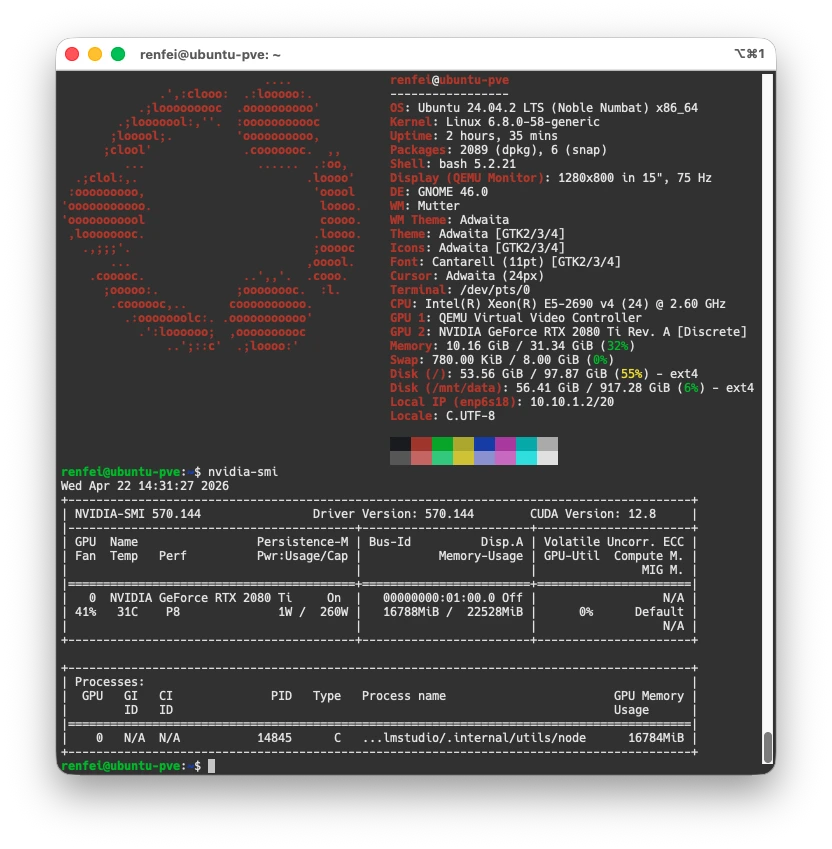
First you need an environment that can run a model. Mine is an NVIDIA GeForce RTX 2080 Ti, with the NVIDIA drivers and CUDA already installed on Ubuntu, so nvidia-smi works.
This post isn’t about installing NVIDIA drivers or CUDA, so I’ll skip that and assume you already have a working base environment. Mine (inside a PVE virtual machine):
- Intel(R) Xeon(R) E5-2690 v4 (24) @ 2.60 GHz
- 32 GB RAM
- Ubuntu 24.04.2 LTS (Noble Numbat) x86_64
- NVIDIA-SMI 570.144
- Driver Version: 570.144
- CUDA Version: 12.8
- NVIDIA GeForce RTX 2080 Ti 22G
Install LM Studio
I installed LM Studio twice: once as a client on macOS, once as a server on my Linux box.
- macOS client: trivial. Download it and drag it into Applications. Nothing more to say.
- Linux server: run the install script:
curl -fsSL https://lmstudio.ai/install.sh | bash
The Linux server
Once installed, start the services:
# Start the daemon
lms daemon up
# Start the server
lms server start
# Check status
lms status
LM Link
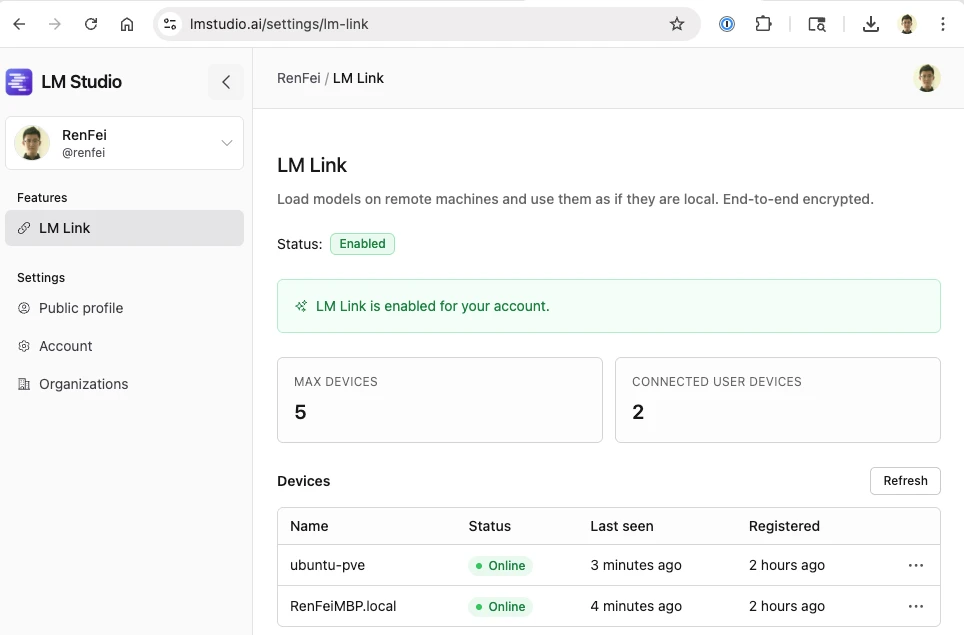
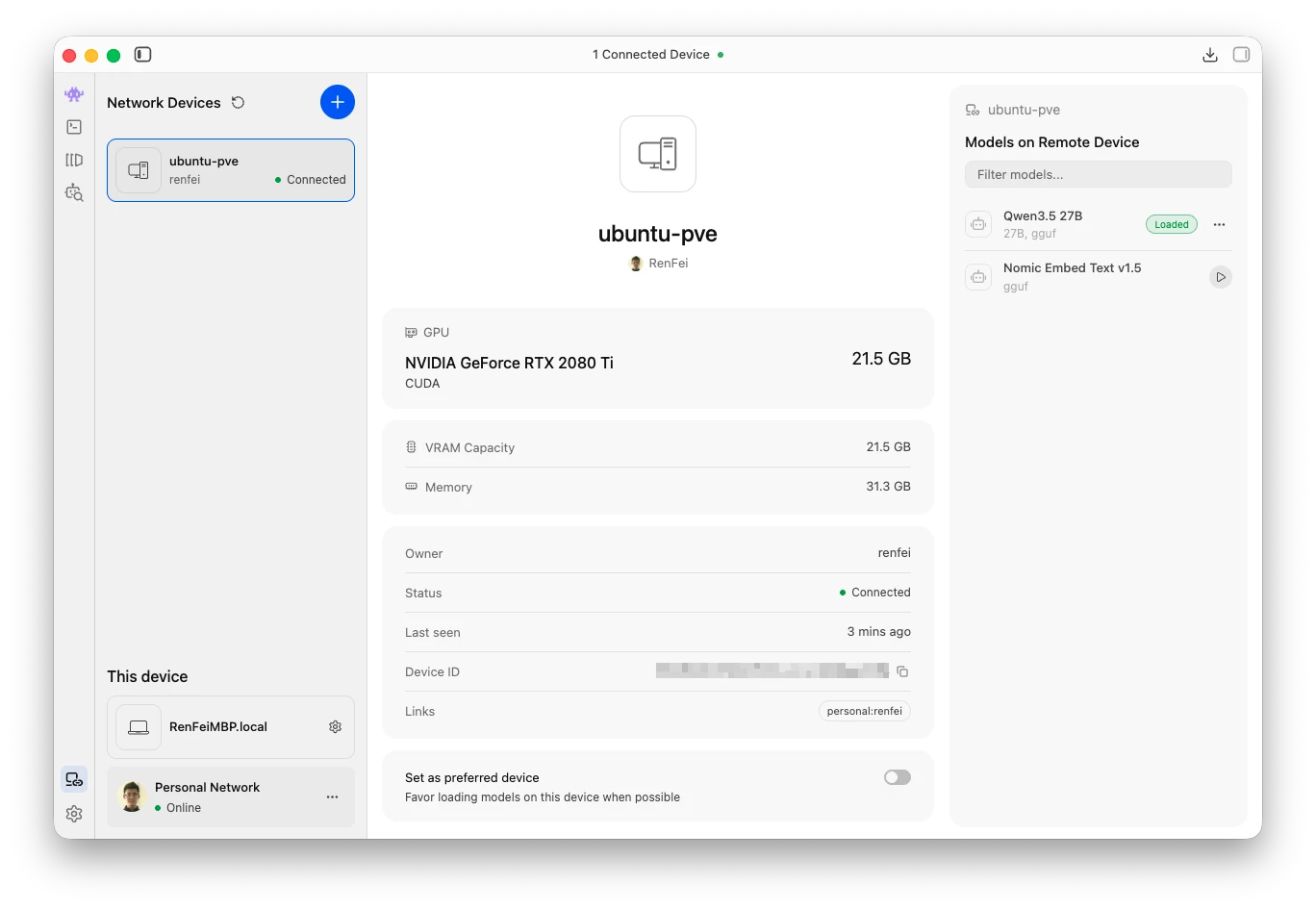
LM Link lets you call a remote model as if it were local — it works a bit like an intranet tunnel, and it’s currently free.
Apply here: https://lmstudio.ai/link. My request was approved instantly, the feature was enabled right away and I could use it immediately.
Then back on the Linux server, enable it:
# Enable LM Link
lms login
lms link enable
# Check Link status
lms link status
After that it shows up in the dashboard: https://lmstudio.ai/settings/lm-link
Download a model
With 22 GB of VRAM, qwen3.5-27b-gguf fits nicely. On the Linux server:
# List installed models
lms ls
# Download a specific model
lms get qwen/qwen3.5-27b
# Load a specific model
lms load qwen/qwen3.5-27b
Call it locally
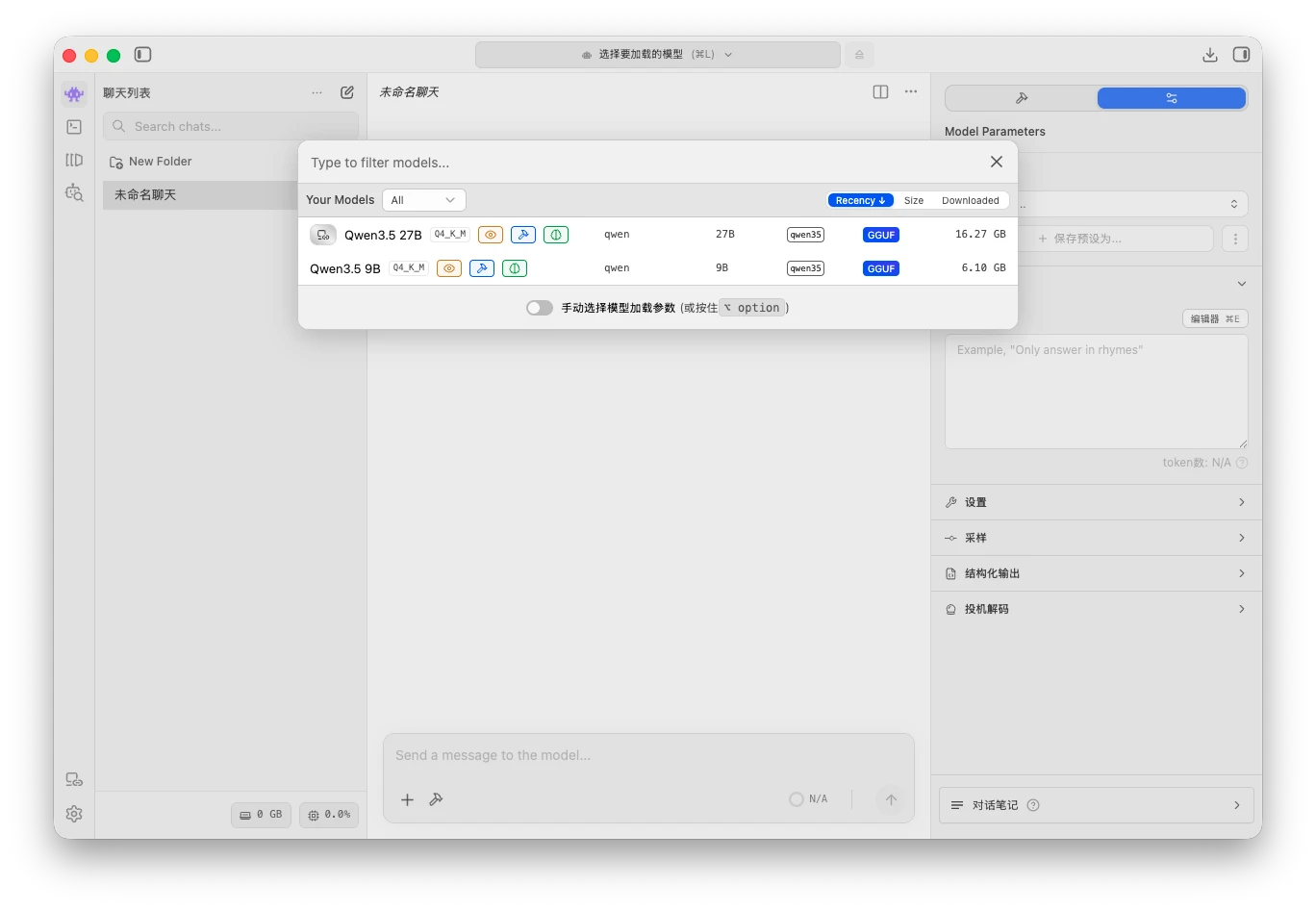
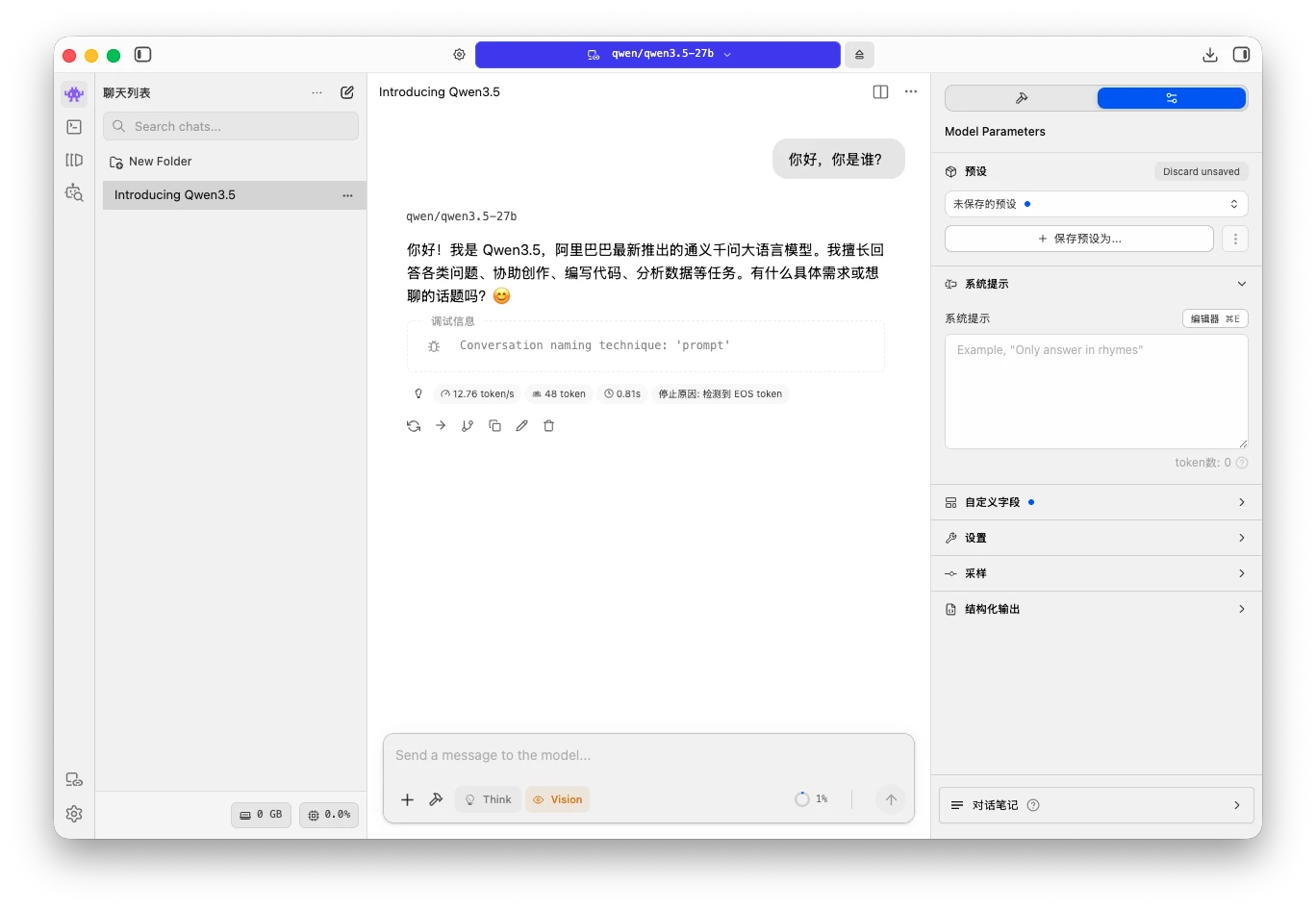
Now back to LM Studio on macOS. Since it’s the same account, the model loader at the top already shows the qwen3.5-27b running on my server. Select and load it, and you can call the remote model exactly like a local one.
Turn on the local API
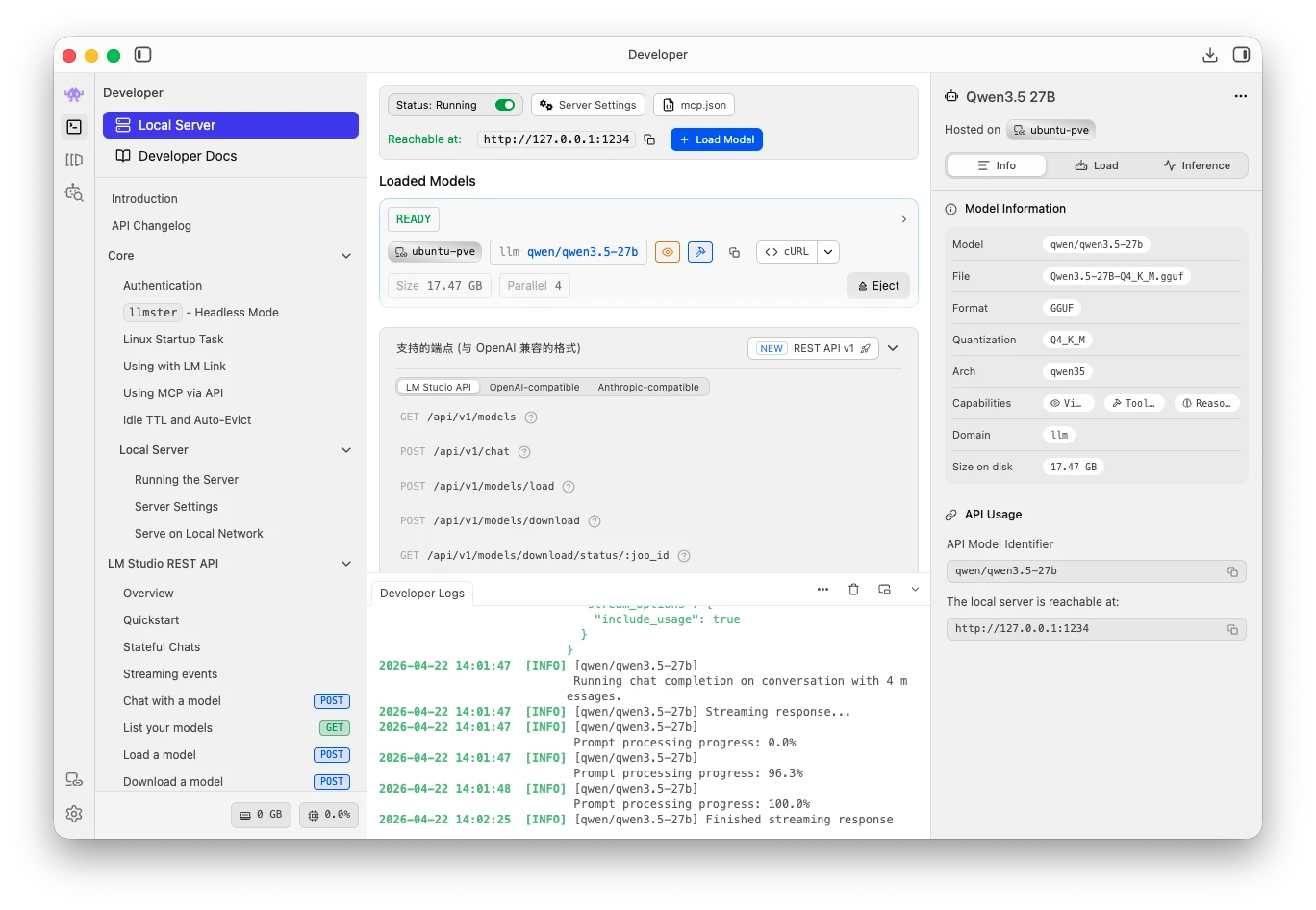
Then click the second tab, Developer, and start the local server so you can reach it over HTTP — for example http://localhost:1234/v1/models, which lists the available models.
Call it from IntelliJ IDEA
Install the Continue plugin in IDEA. It supports custom endpoints, so you can point it at your own local model.
In Continue, click the small gear next to Local Config to open the config file, and write:
name: Local LM Studio
version: 1.0.0
schema: v1

models:
  - name: Qwen 27B Local
    provider: openai
    model: qwen/qwen3.5-27b
    apiBase: http://127.0.0.1:1234/v1
    apiKey: lm-studio
    roles:
      - chat
      - edit
      - apply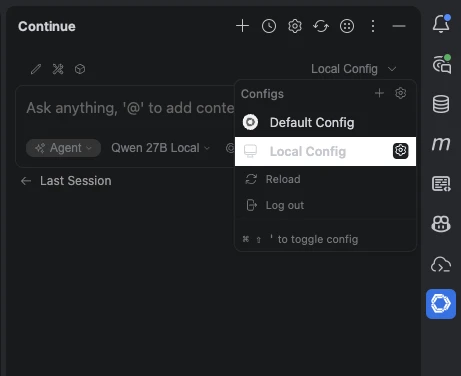
That’s it — you can start Vibe Coding on your own model. Free tokens, locally.